



Golf Impact Screens
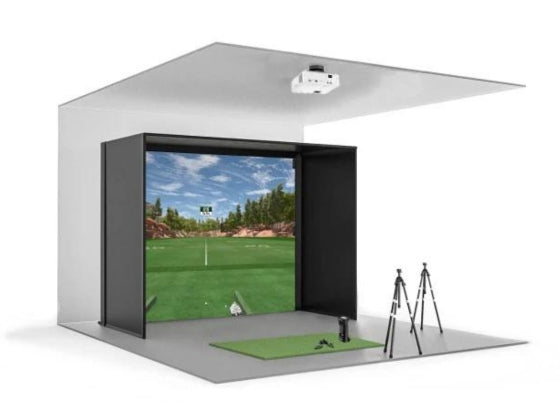
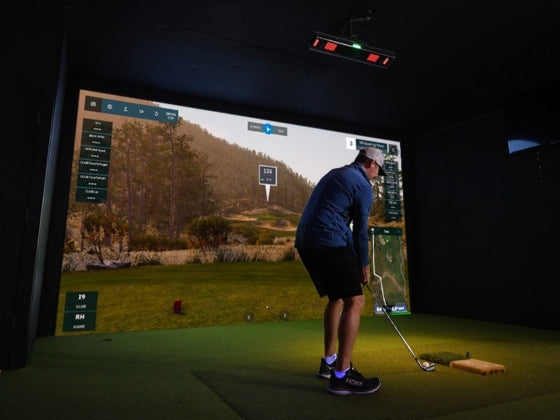
Discover premium golf impact screens engineered for durability and exceptional image quality in your simulator setup. Our golf simulator projector screens feature impact-rated materials that safely stop golf balls while delivering crisp, vibrant visuals for immersive gameplay. From budget-friendly options to professional-grade golf simulator impact screens with 4K-ready surfaces, each screen is built to last thousands of rounds.




Choosing the Right Golf Impact Screen for Your Simulator
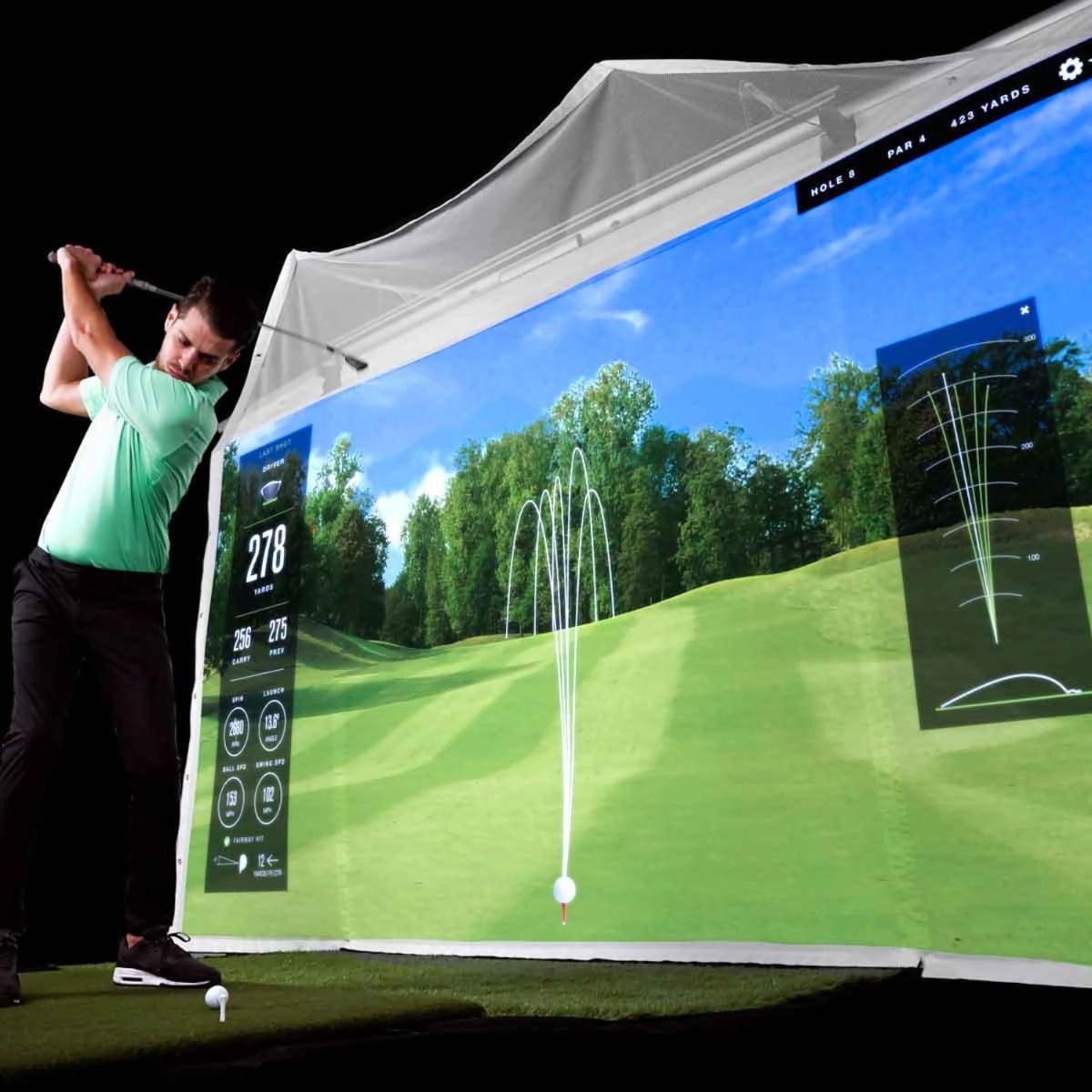
Golf impact screens serve dual critical functions in simulator setups — safely stopping golf balls traveling at high speeds while providing an optimal projection surface for vivid course visualization. Unlike standard projection screens, golf simulator projector screens must withstand thousands of ball impacts without tearing, maintain tight weave for sharp image quality, and minimize hotspotting for uniform brightness across the entire surface.
Our collection features impact screens from Carl's Place, SIGPRO, and The Net Return — brands trusted by commercial facilities and serious home simulator builders. Each golf impact screen is selected for its impact resistance, projection characteristics, and proven longevity in demanding environments.
Golf Simulator Projector Screens - Material & Construction
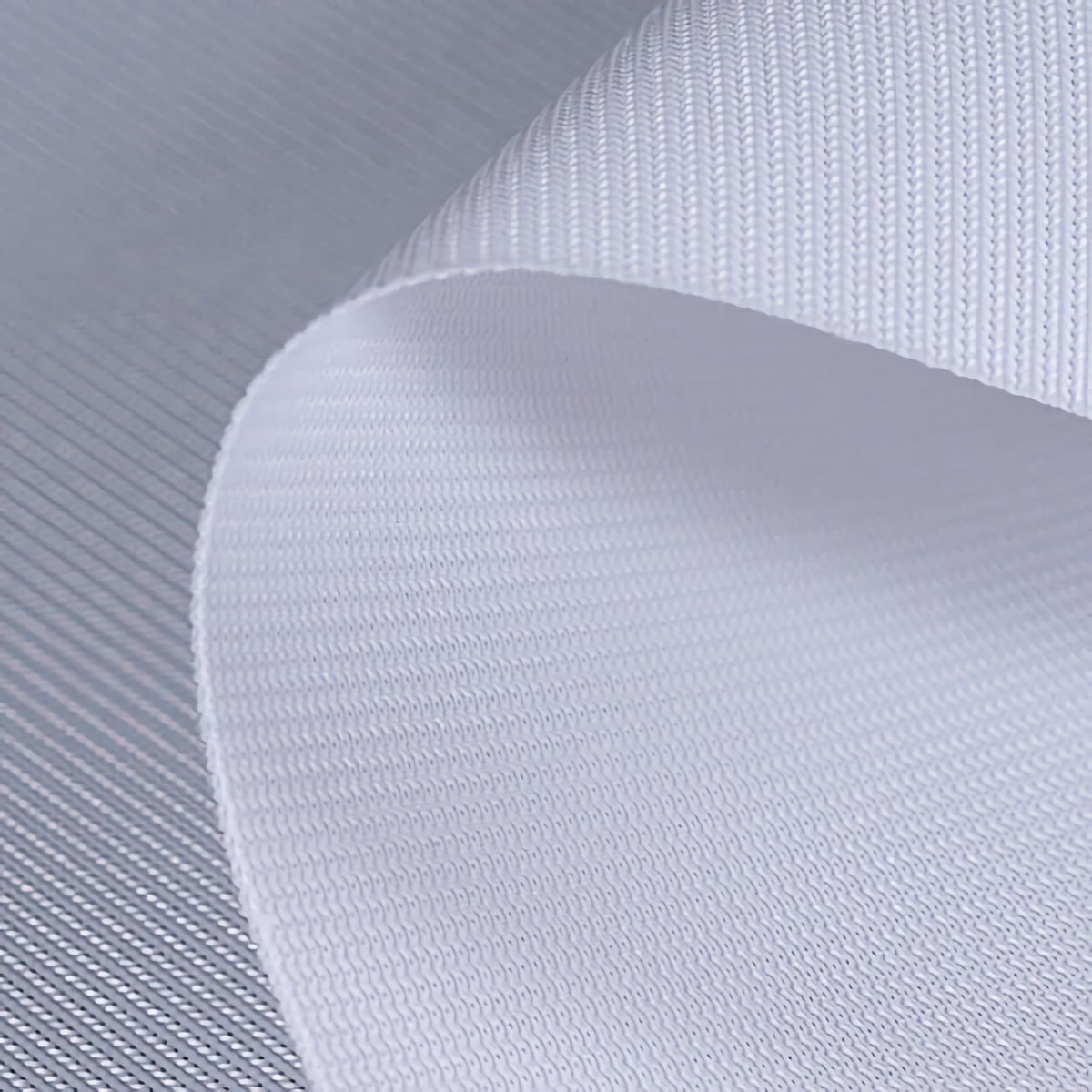
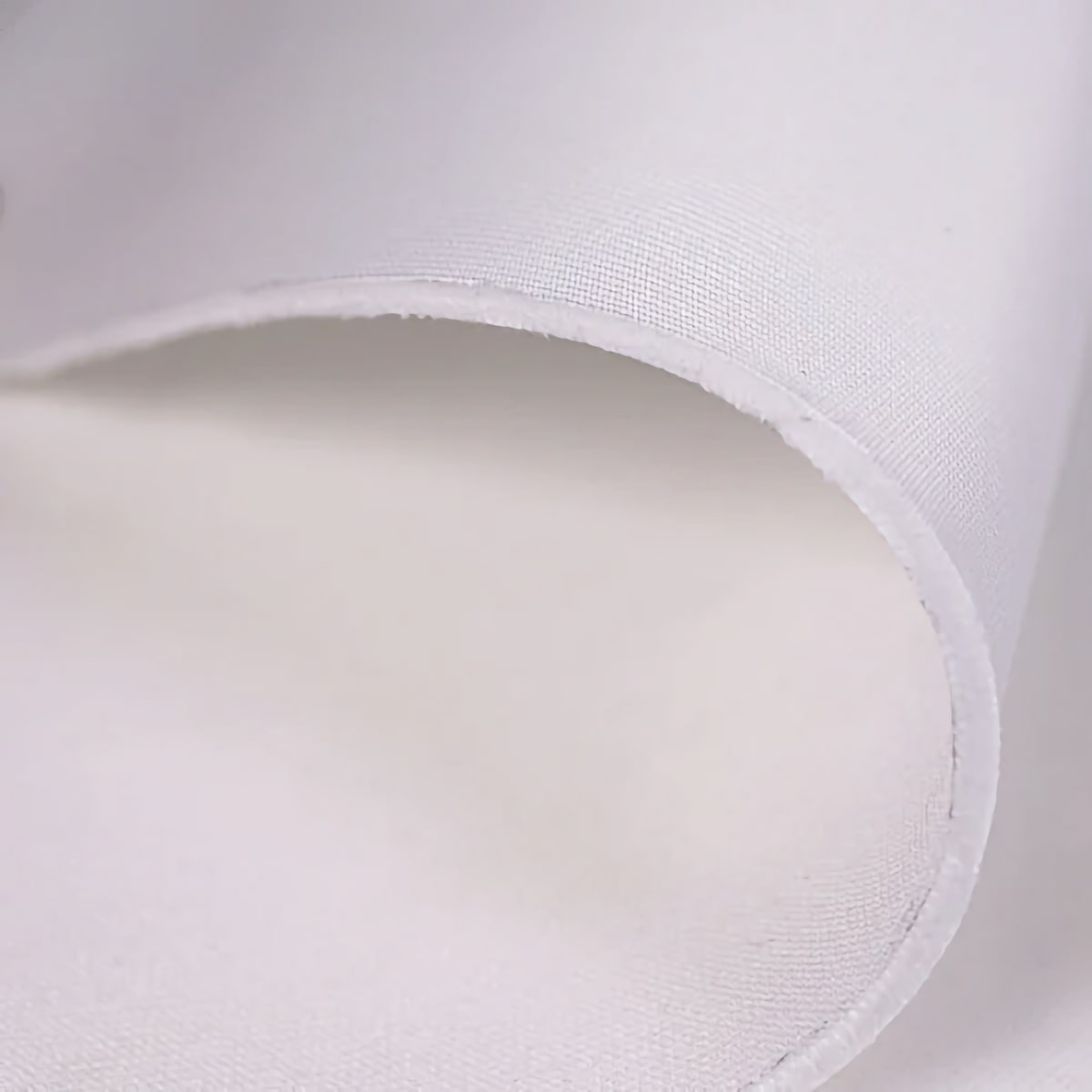
The best golf simulator impact screens use tightly woven vinyl or polyester materials rated for ball impacts exceeding 200 mph. Material thickness affects both durability and projection quality—thicker screens (13-18oz) handle mishits better but may show texture in projected images, while thinner screens (8-12oz) deliver smoother images but require more frequent replacement.
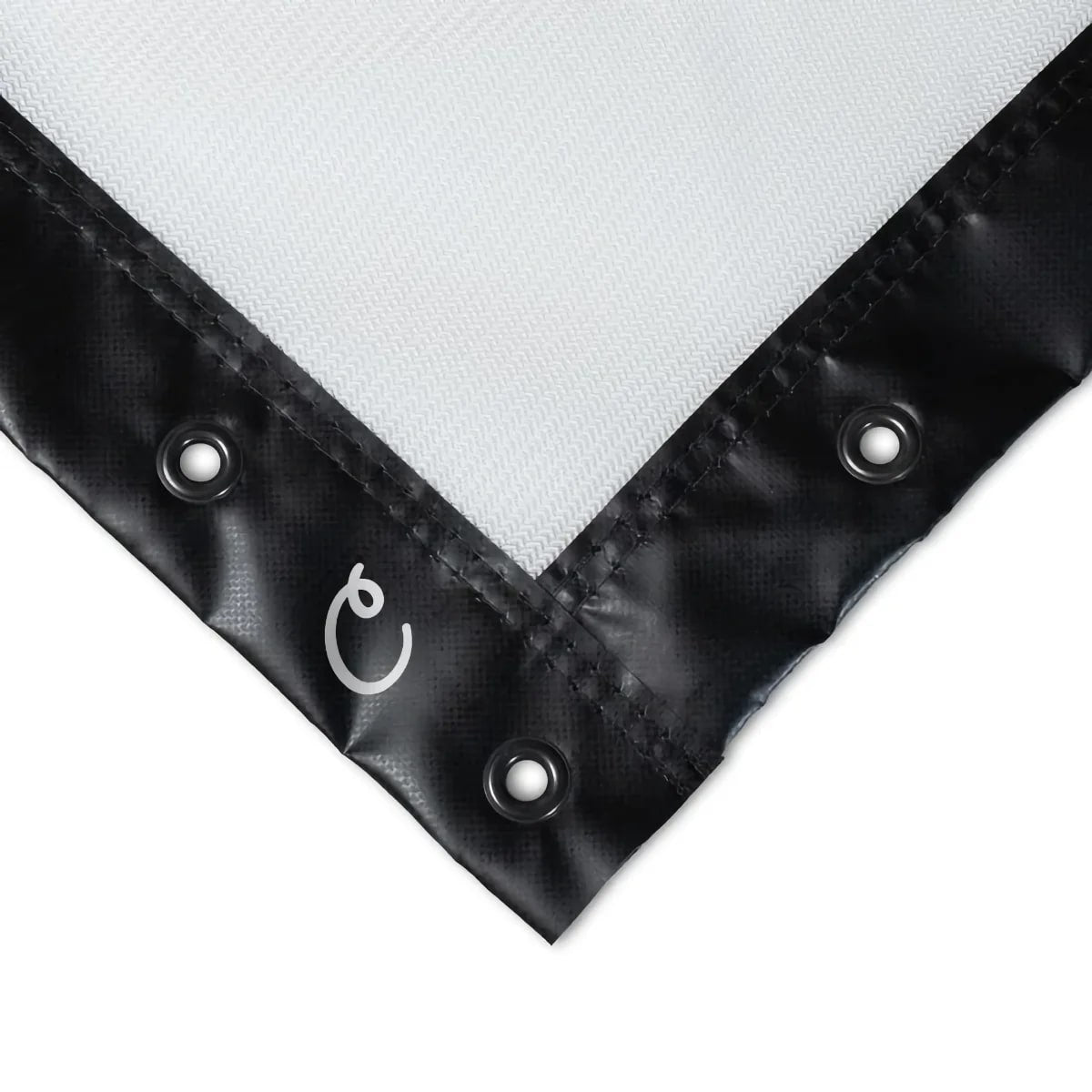
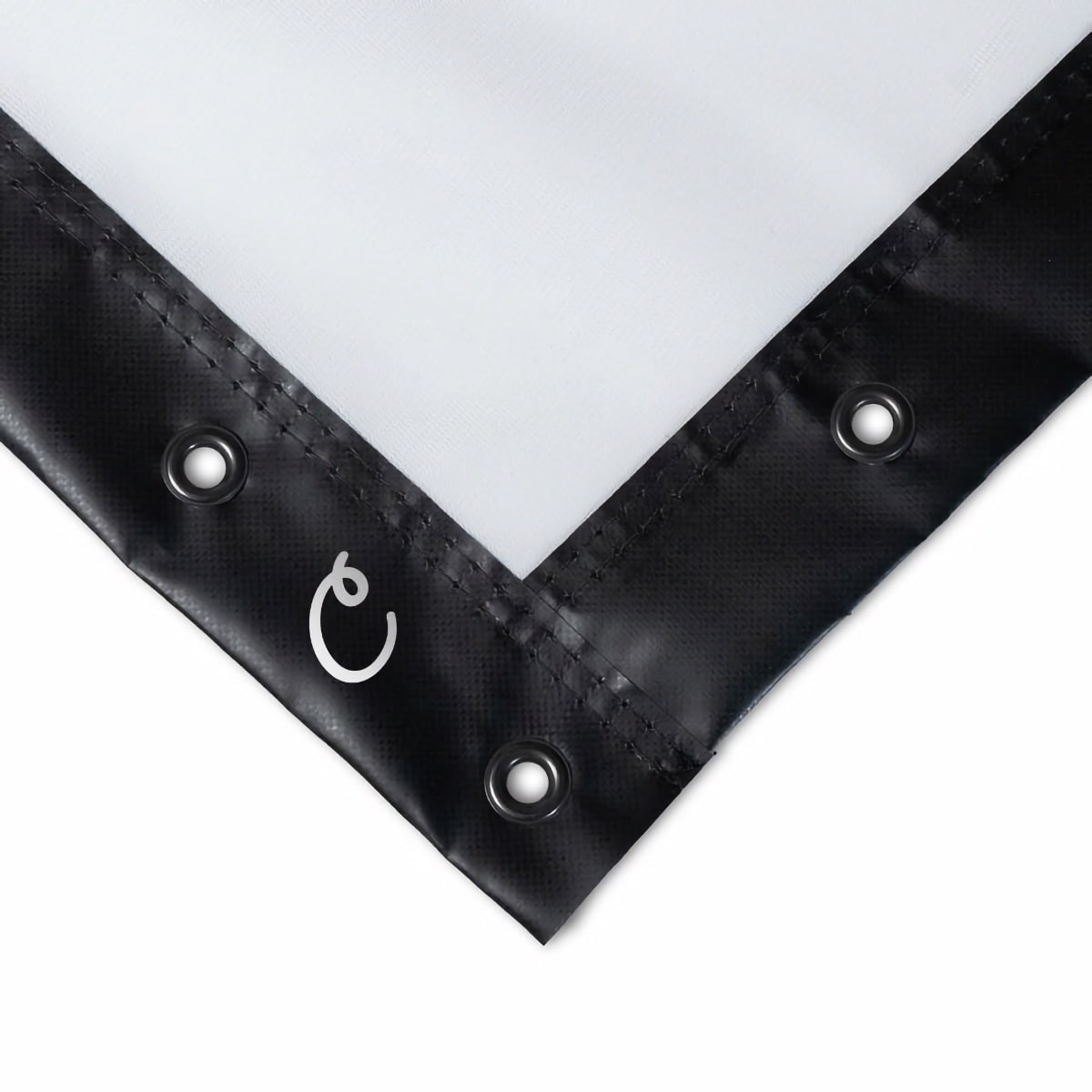
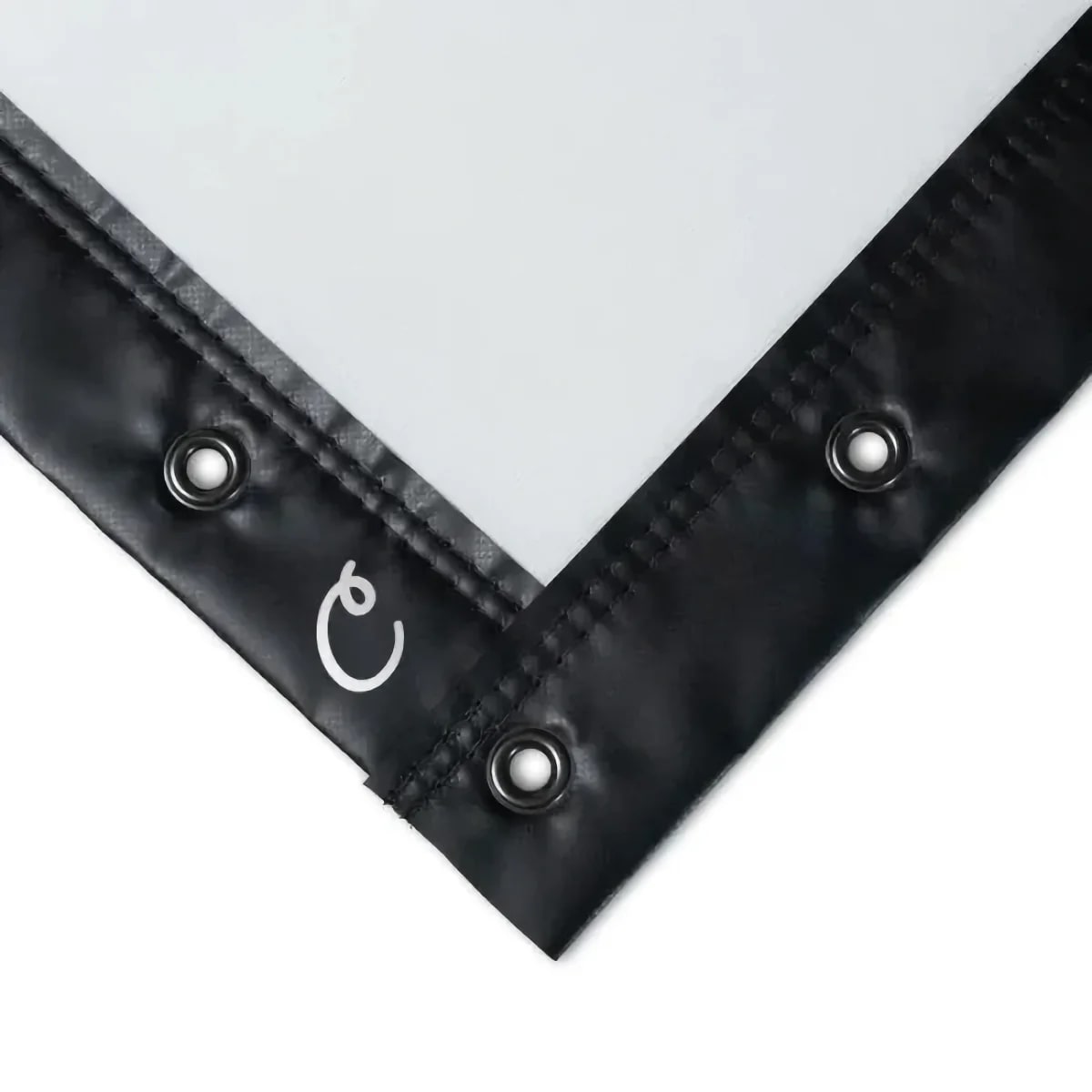
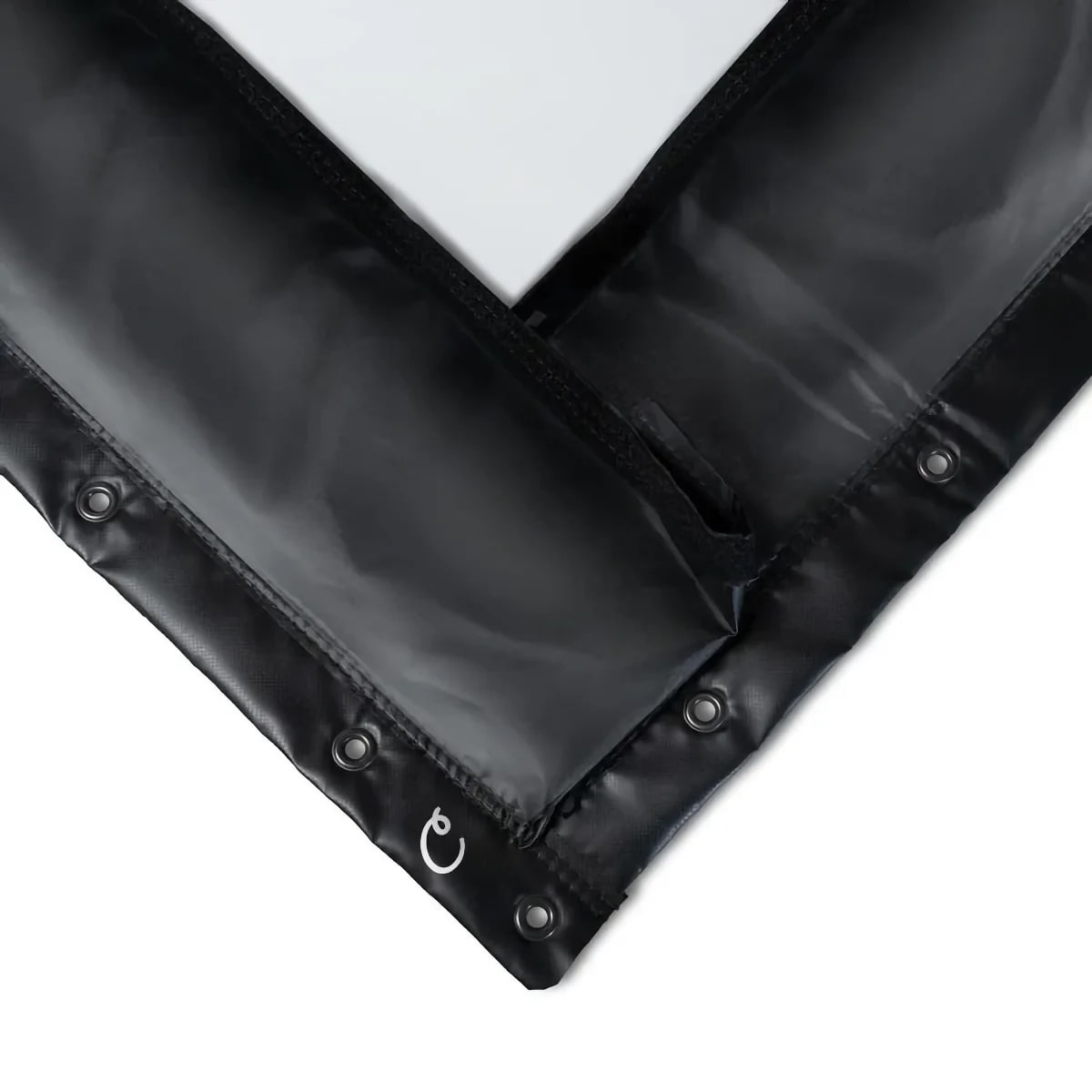
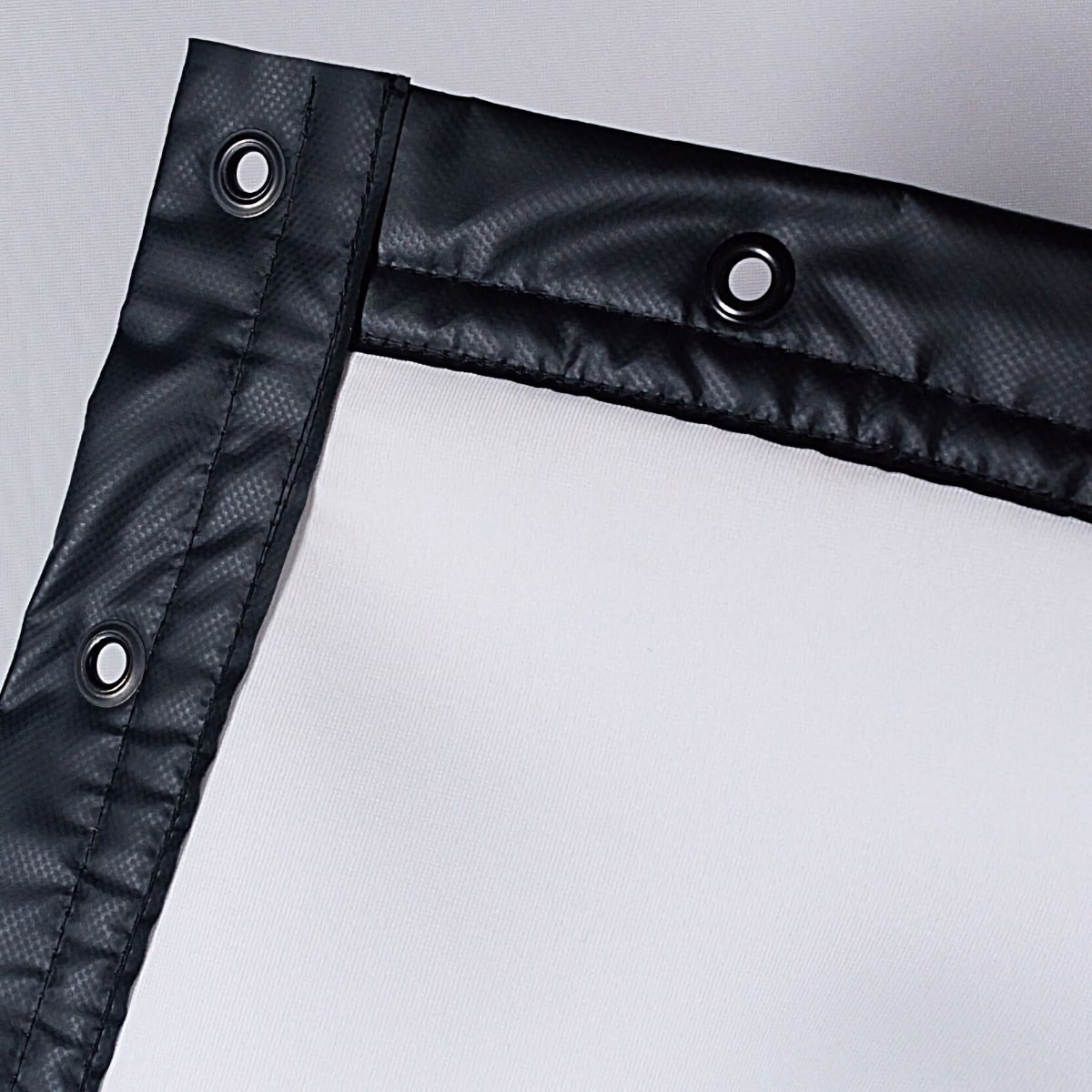
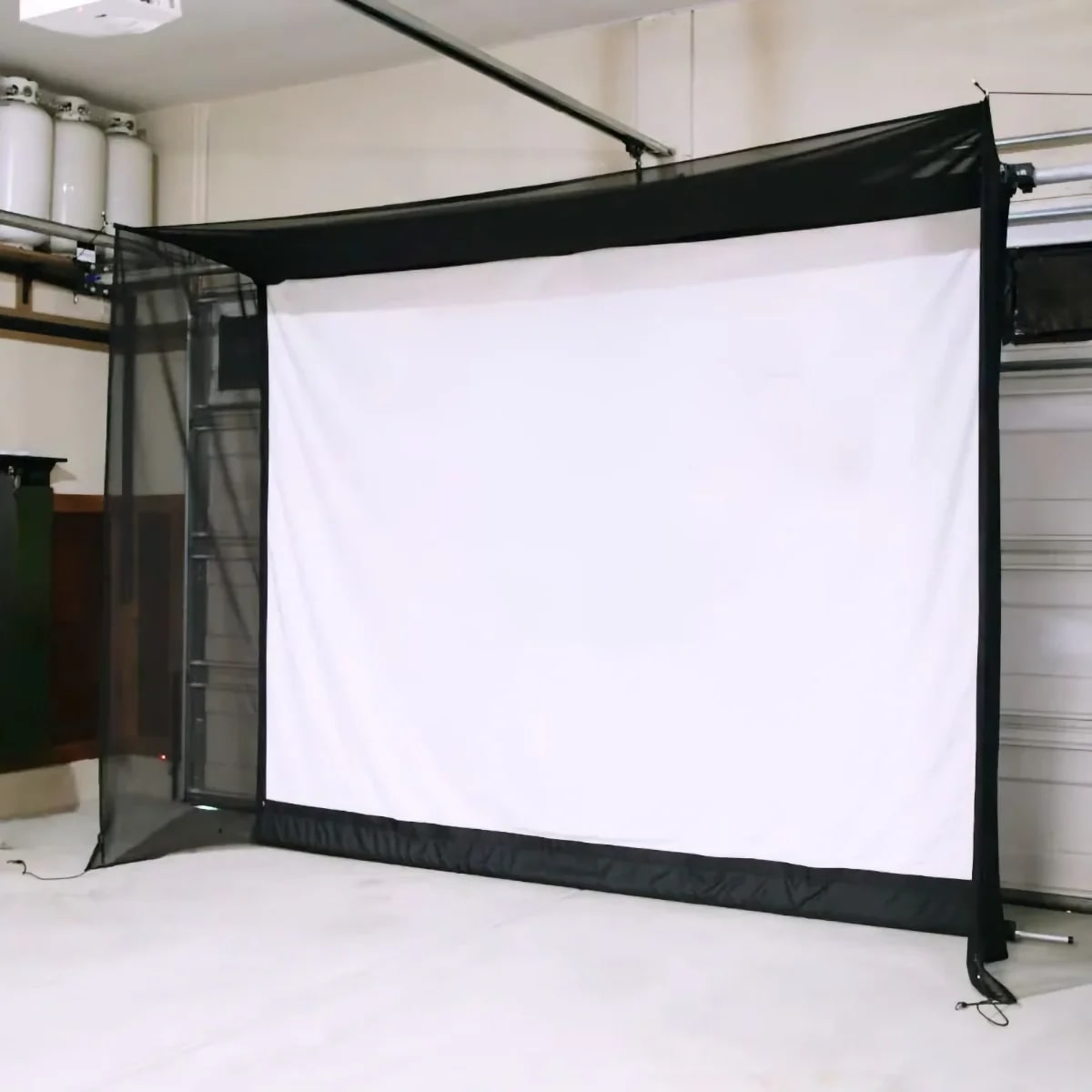
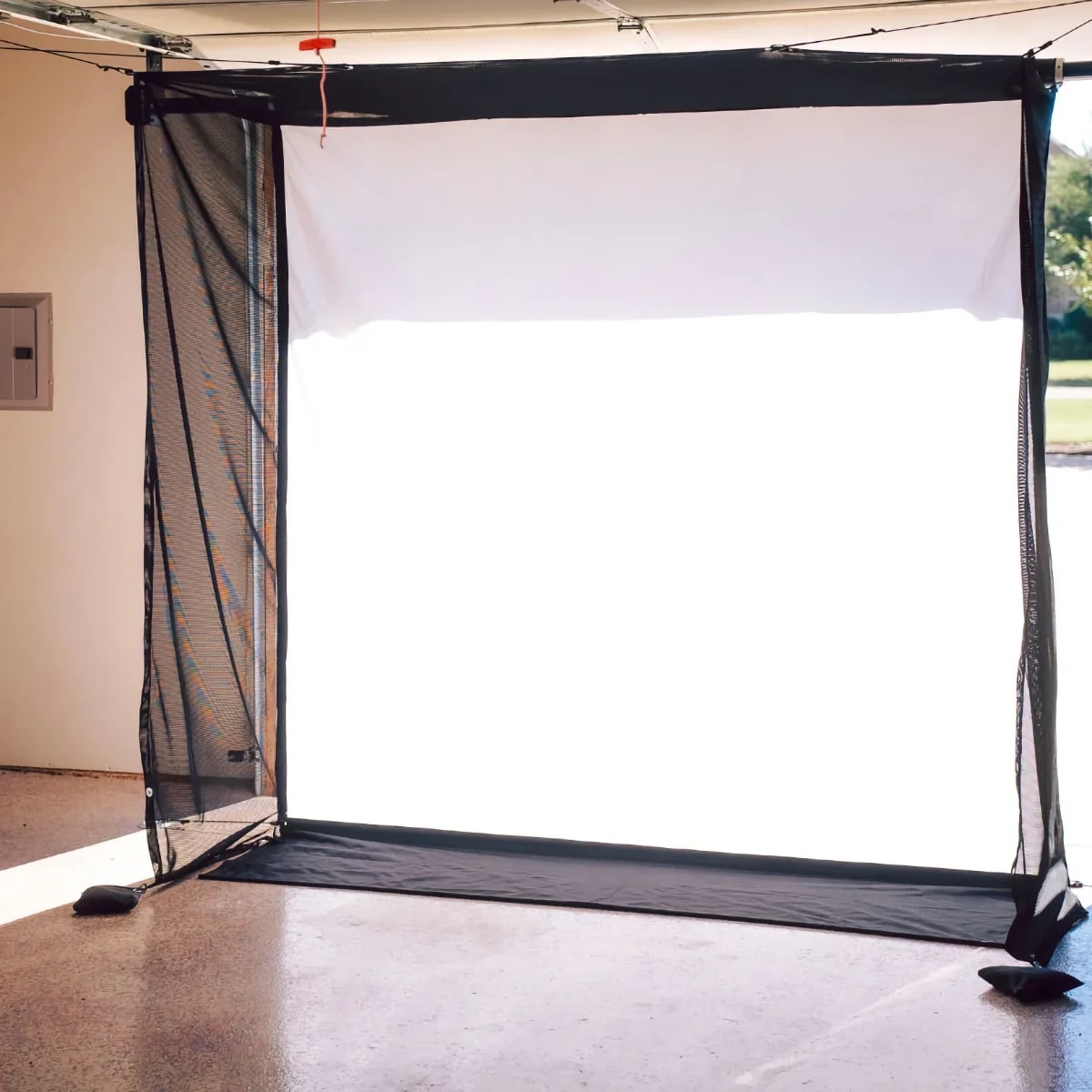
Carl's Place Standard and Preferred Impact Screens use proprietary woven materials optimized for both protection and projection. The tight weave prevents ball penetration while maintaining a smooth surface that eliminates visible texture in 4K projections. These golf simulator projector screens feature reinforced edges with grommets for secure mounting.
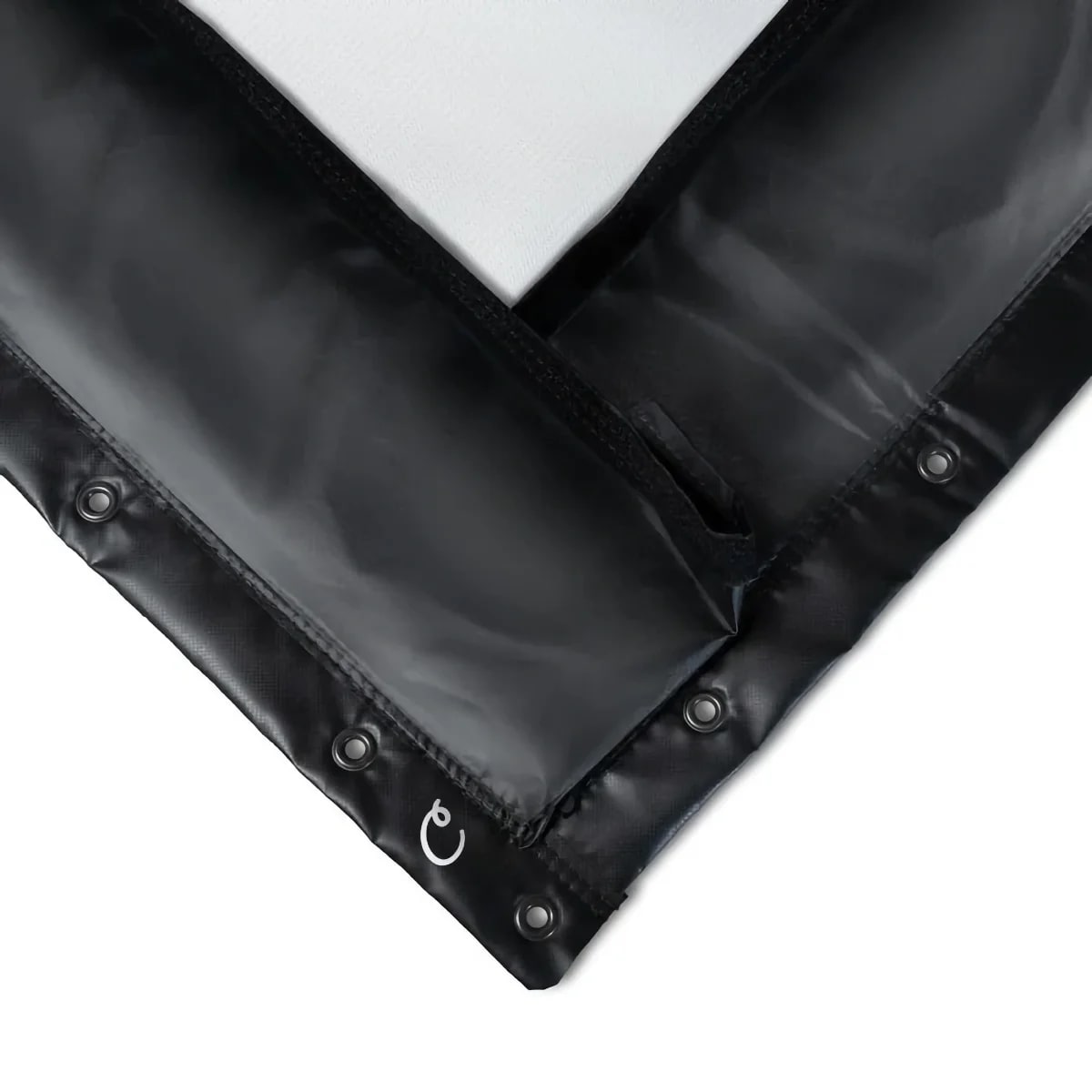
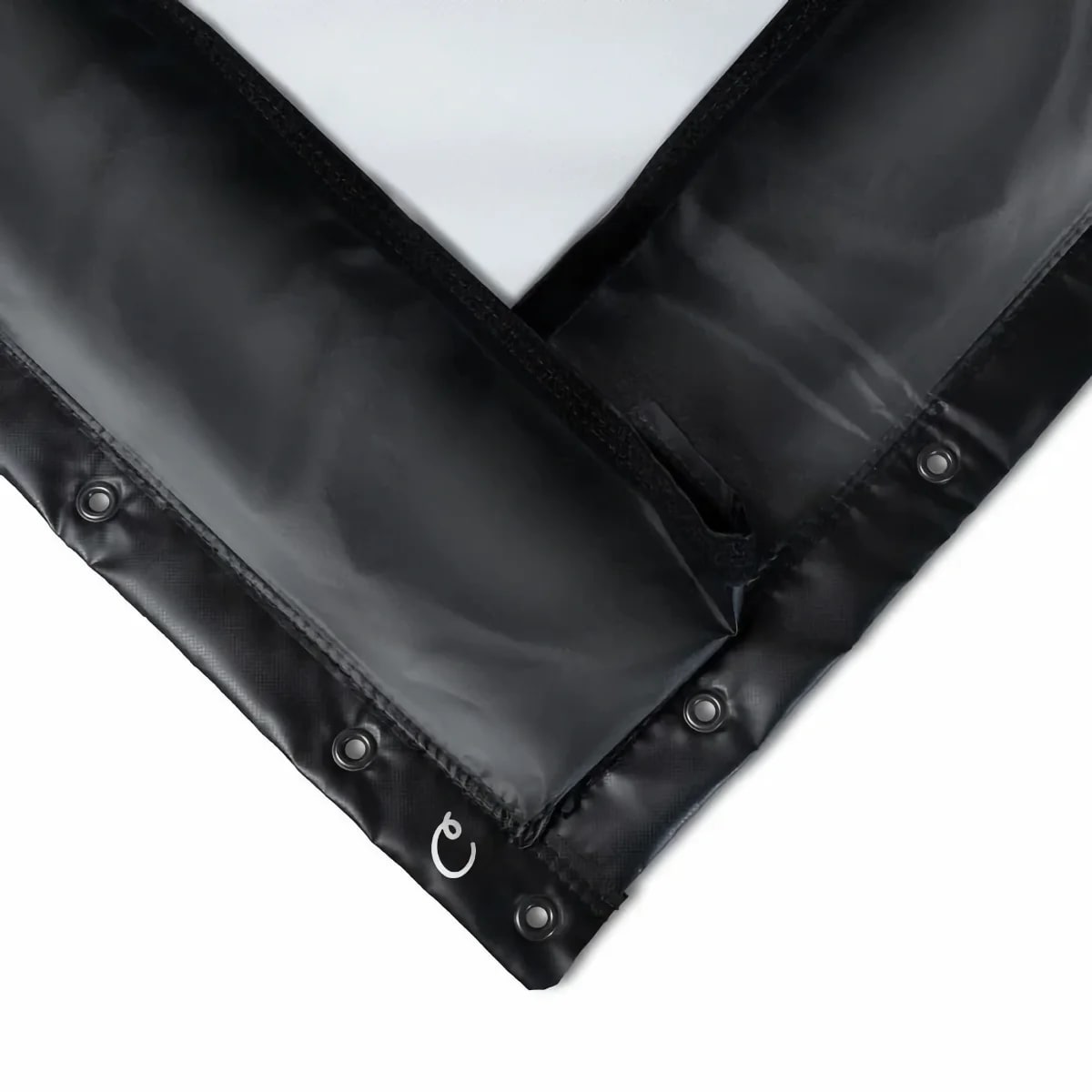
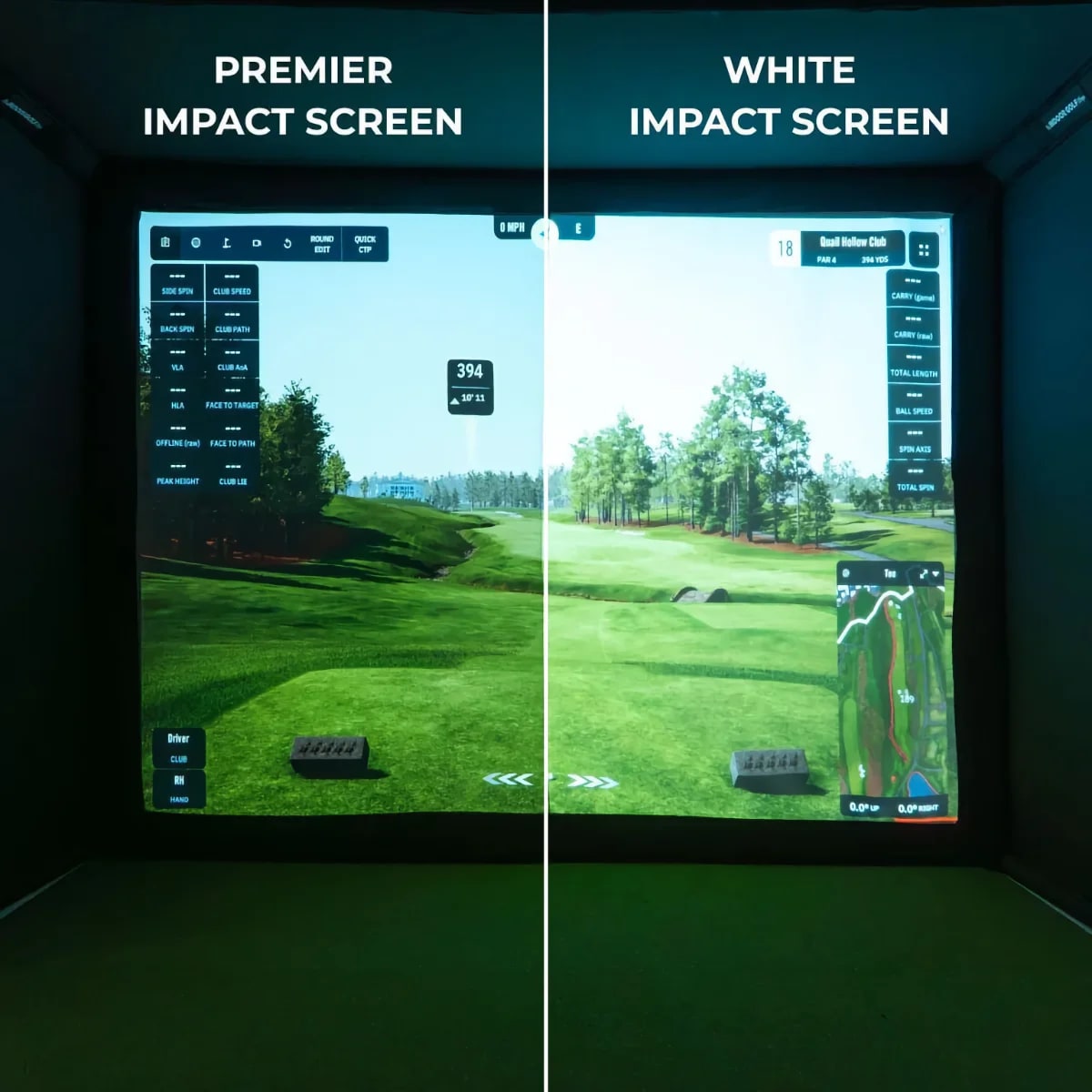
SIGPRO Premium and Premier Gray screens deliver professional-grade performance with multi-layer construction—impact-absorbing backing protects the projection surface from ball strikes, extending screen life significantly. The Premier Gray variant reduces hotspotting and improves contrast in rooms with ambient light.
Impact Screen Sizes and Aspect Ratios
Golf impact screens typically range from 8'x10' for compact setups to 12'x16' for commercial installations. Most home simulators use 10'x12' or 10'x13' screens, providing adequate coverage for off-center shots while fitting standard ceiling heights.
Aspect ratio matters for projection quality — 16:9 screens match modern projector native ratios, eliminating black bars and maximizing image use. Wider screens (16:10 or custom dimensions) accommodate side panels for enhanced peripheral vision during gameplay.
The Net Return screens include frame systems that maintain proper tension, preventing sagging that creates uneven projection surfaces and inaccurate ball returns to launch monitors.
Retractable Golf Impact Screens
Retractable golf simulator impact screens offer flexibility for multi-use spaces, rolling up when not in use to preserve room functionality. The G-TRAK and HomeCourse ProScreen 180 feature motorized operation with impact-rated materials matching permanent installations.
These retractable systems mount to ceilings or walls with minimal visual impact when stored. The screen material includes weighted bottom bars that maintain tension and prevent billowing during play. Ideal for garages, basements, or bonus rooms that serve multiple purposes.
Impact Screen Installation and Tensioning
Proper tension is critical for golf simulator projector screen performance. Loose screens create wrinkles that distort projected images and cause unpredictable ball bounces affecting launch monitor accuracy. Most screens install with grommets spaced 6-12 inches around the perimeter, using bungee cords or ratchet straps to achieve uniform tension.
Frame-mounted screens like The Net Return and SIGPRO systems include integrated tensioning mechanisms that maintain consistent tightness. These professional setups eliminate installation guesswork and ensure optimal performance from day one.
Mount screens 12-18 inches from back walls to allow energy dissipation during ball impact. Insufficient clearance causes screens to contact walls, accelerating wear and creating loud impact noise.
Golf Impact Screen Projection Quality
The best golf simulator impact screens balance durability with projection characteristics. Gain (brightness multiplier) affects image brightness — 1.0 gain provides neutral brightness, while 1.3+ gain increases brightness but may create hotspotting (bright center, dark edges).
White screens deliver accurate color reproduction but show ambient light easily. Gray screens improve contrast in rooms with windows or ceiling lights, producing deeper blacks and more vivid colors despite slightly reduced overall brightness.
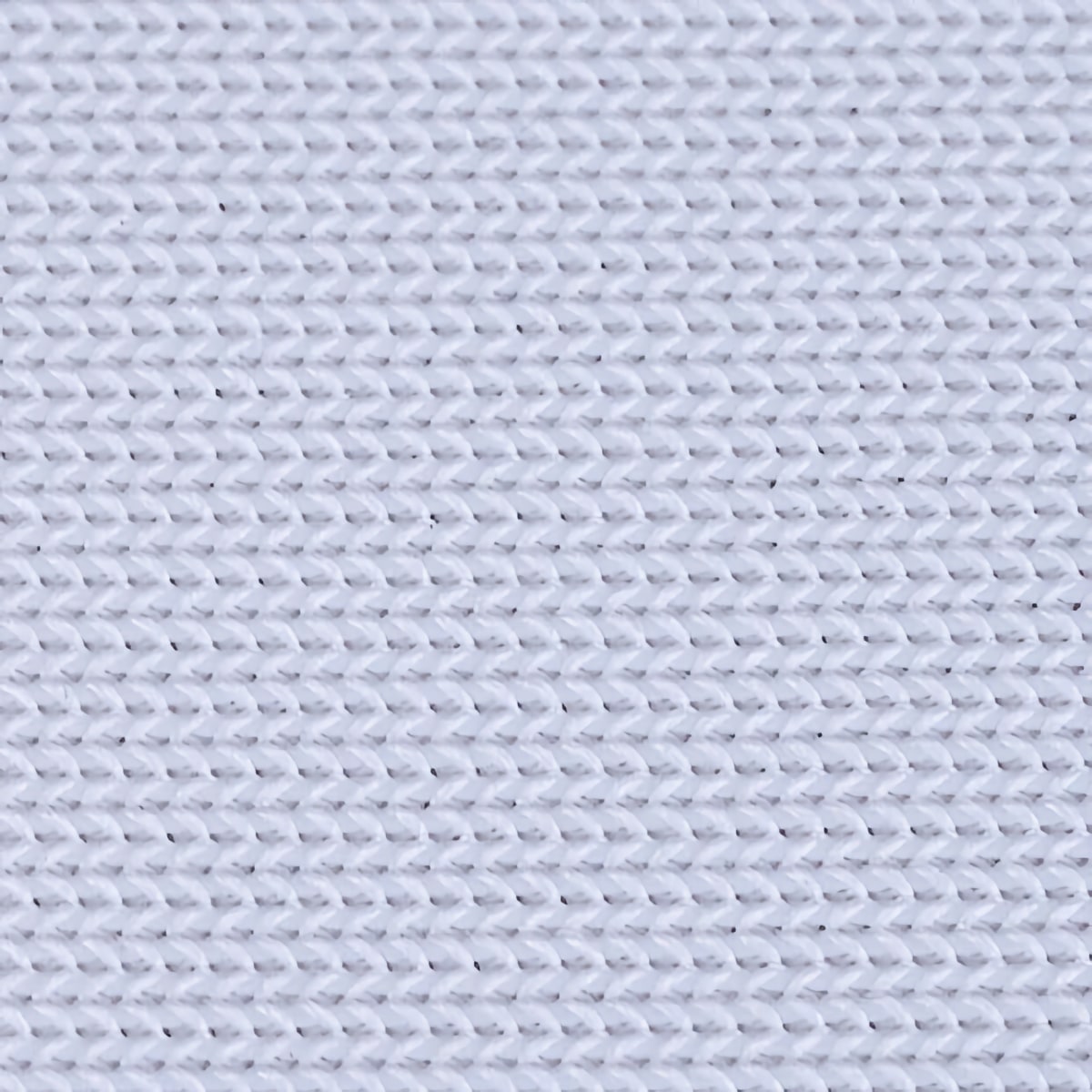
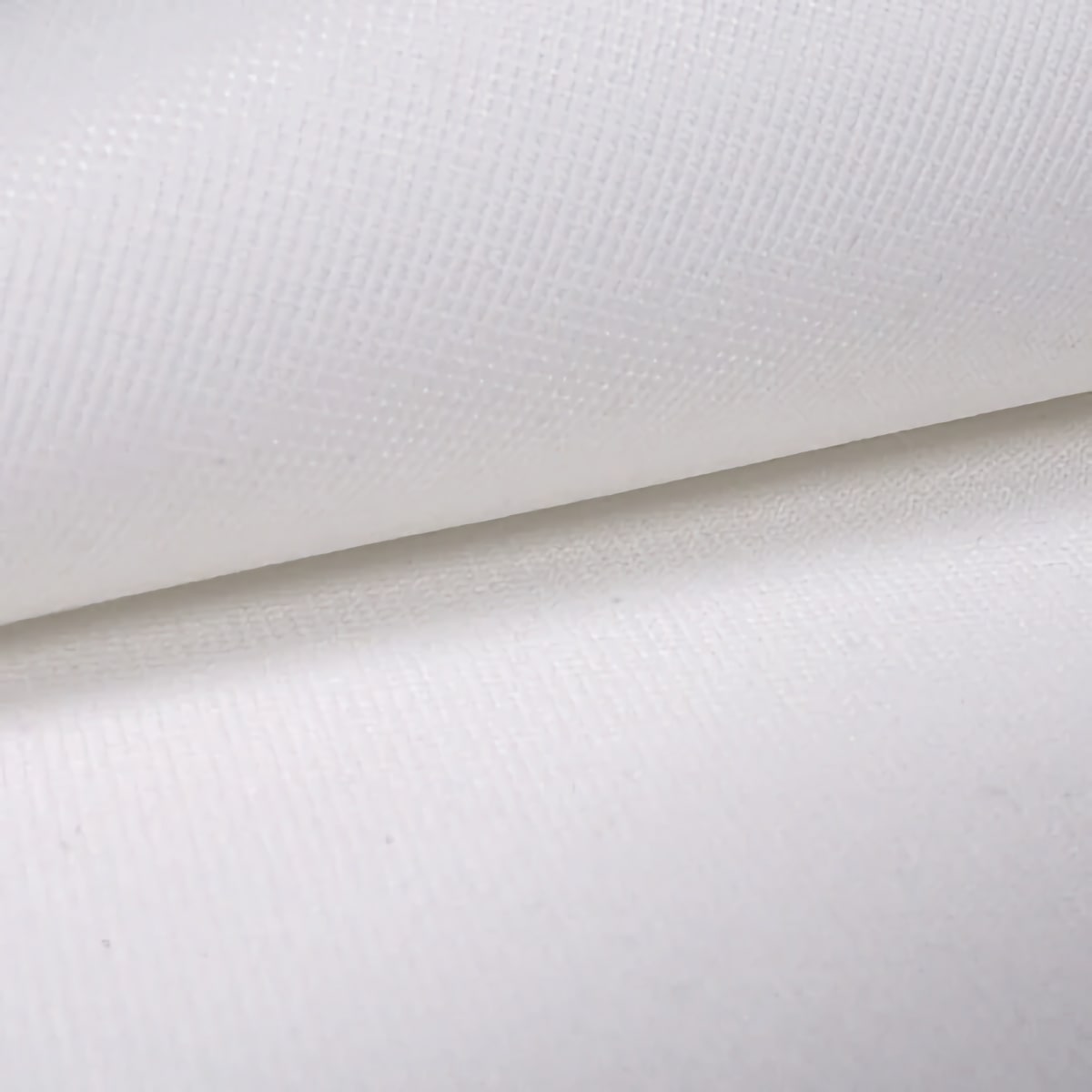
Surface texture matters for 4K projectors — coarse weaves create visible texture that distracts from fine course details. Premium screens use tight weaves (200+ threads per inch) that appear smooth even when viewing from close distances.
Screen Protection and Longevity
Golf simulator impact screens typically last 2-5 years under regular use (3-5 hours daily), depending on ball speed, impact frequency, and material quality. Budget screens may show wear after 500-1,000 rounds, while premium materials handle 3,000-5,000 rounds before requiring replacement.
Protect screens from UV exposure if installed near windows — sunlight degrades vinyl materials and causes yellowing that affects color accuracy. Cover screens when not in use or install UV-blocking window treatments in simulator rooms.
Clean screens monthly with mild soap and water to remove dust that dulls projected images. Avoid harsh chemicals or abrasive scrubbing that damages the surface weave and creates projection artifacts.
Impact Screen Compatibility with Launch Monitors
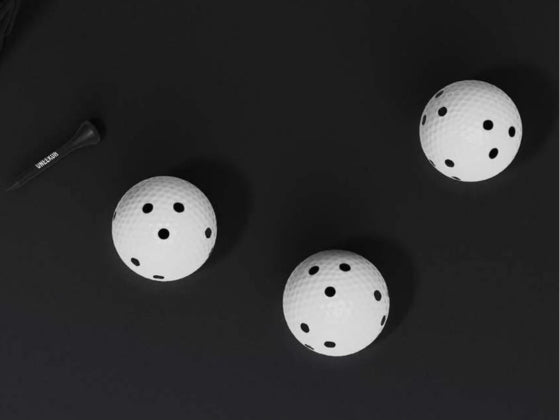
Camera-based launch monitors like Uneekor require specific screen characteristics — neutral white color for accurate lighting, tight weave to prevent ball pass-through, and non-reflective surface to avoid glare affecting camera tracking.
Golf simulator impact screens with glossy finishes can create hotspots that interfere with photometric systems. Matte surfaces distribute light evenly, ensuring consistent ball tracking across the entire hitting zone.
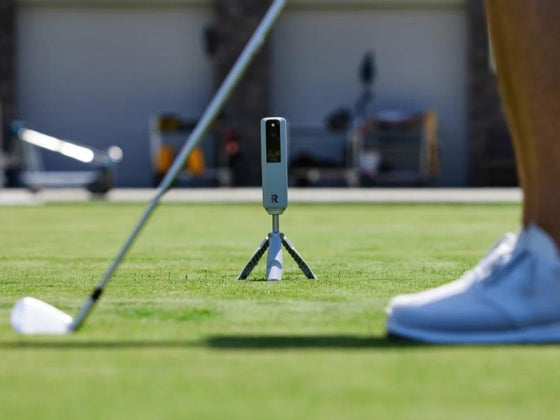
Radar-based systems have no screen requirements beyond physical ball stopping, offering more flexibility in material selection. Players using these monitors can prioritize projection quality over camera compatibility.
Complete Screen Systems vs Material Only
Many golf impact screens are available as material only or complete framed systems. DIY builders often purchase material and construct custom frames, while turnkey systems include everything needed for professional installation.
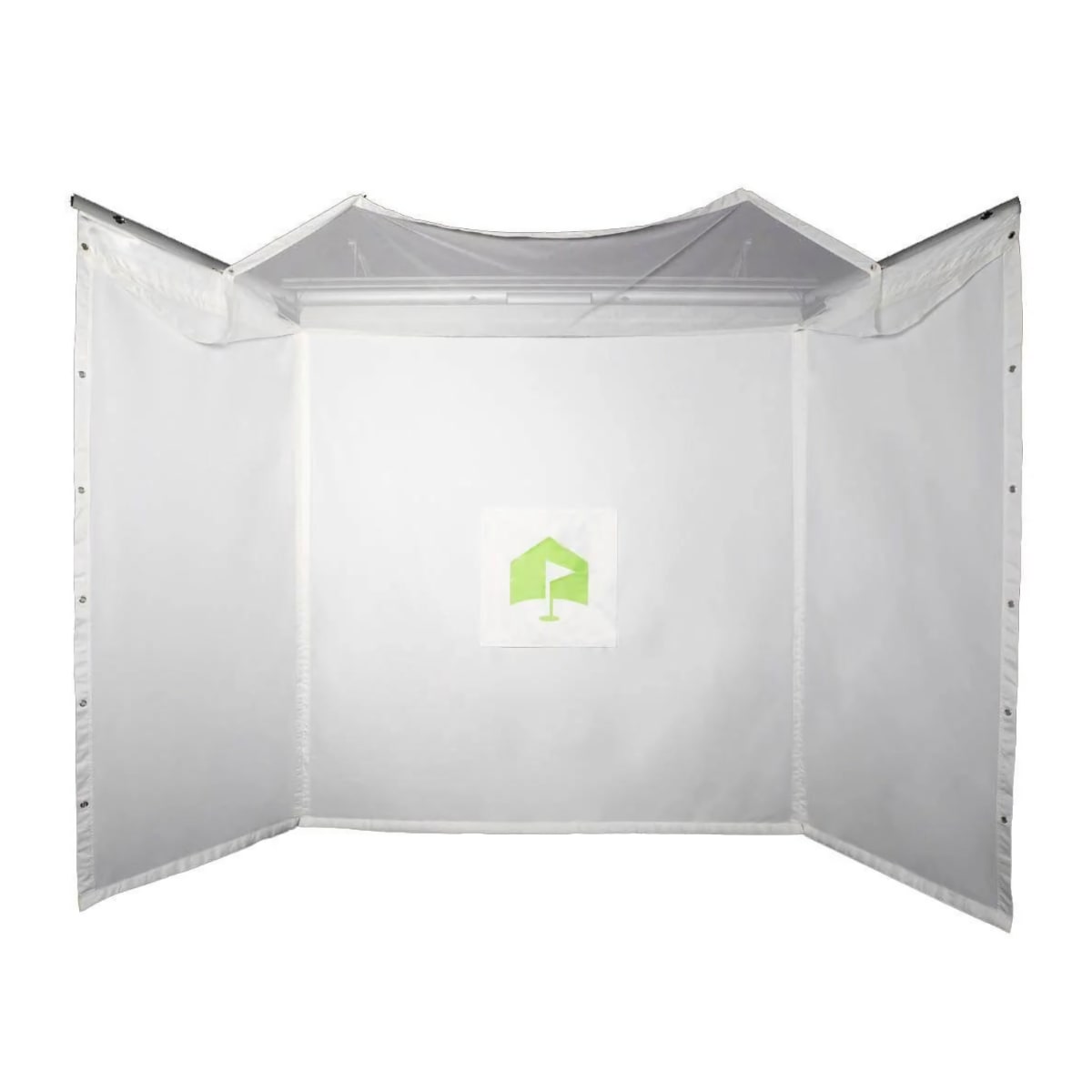
Complete systems like The Net Return Simulator Kit and SIGPRO packages include impact screens, frames, side netting, and all mounting hardware. These setups eliminate compatibility concerns and ensure proper tensioning from installation.
Material-only options suit builders with specific space constraints or existing frame infrastructure. Carl's Place and SIGPRO offer custom sizing for unique installations requiring non-standard dimensions.
Shop more: Golf Mats, Launch Monitors, Projectors, Enclosures, Nets, Computers