
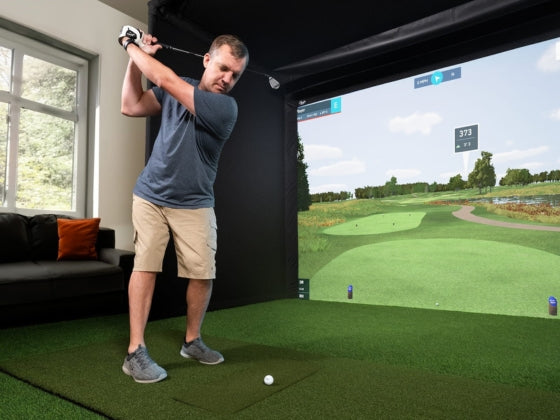




Golf Simulator Projectors
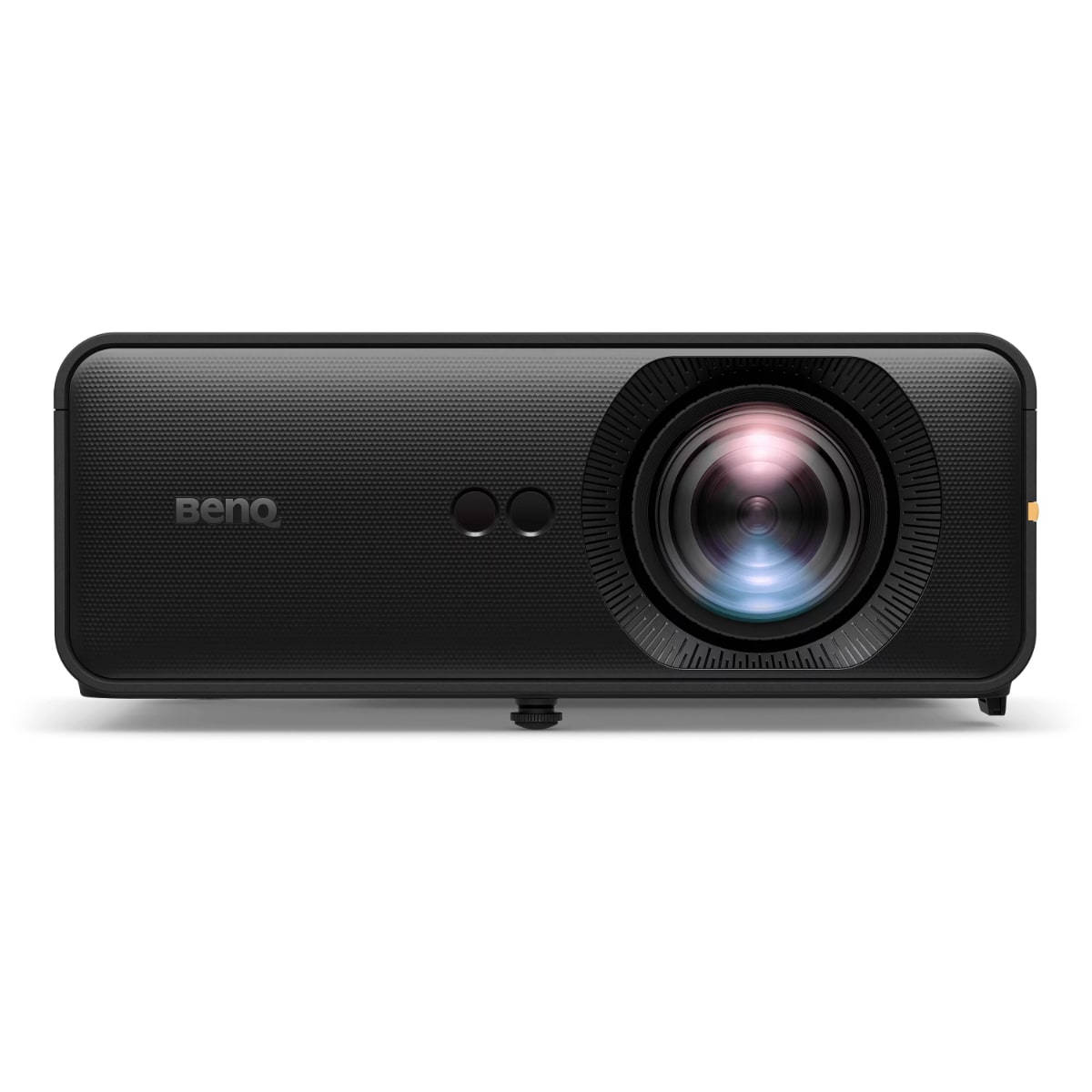
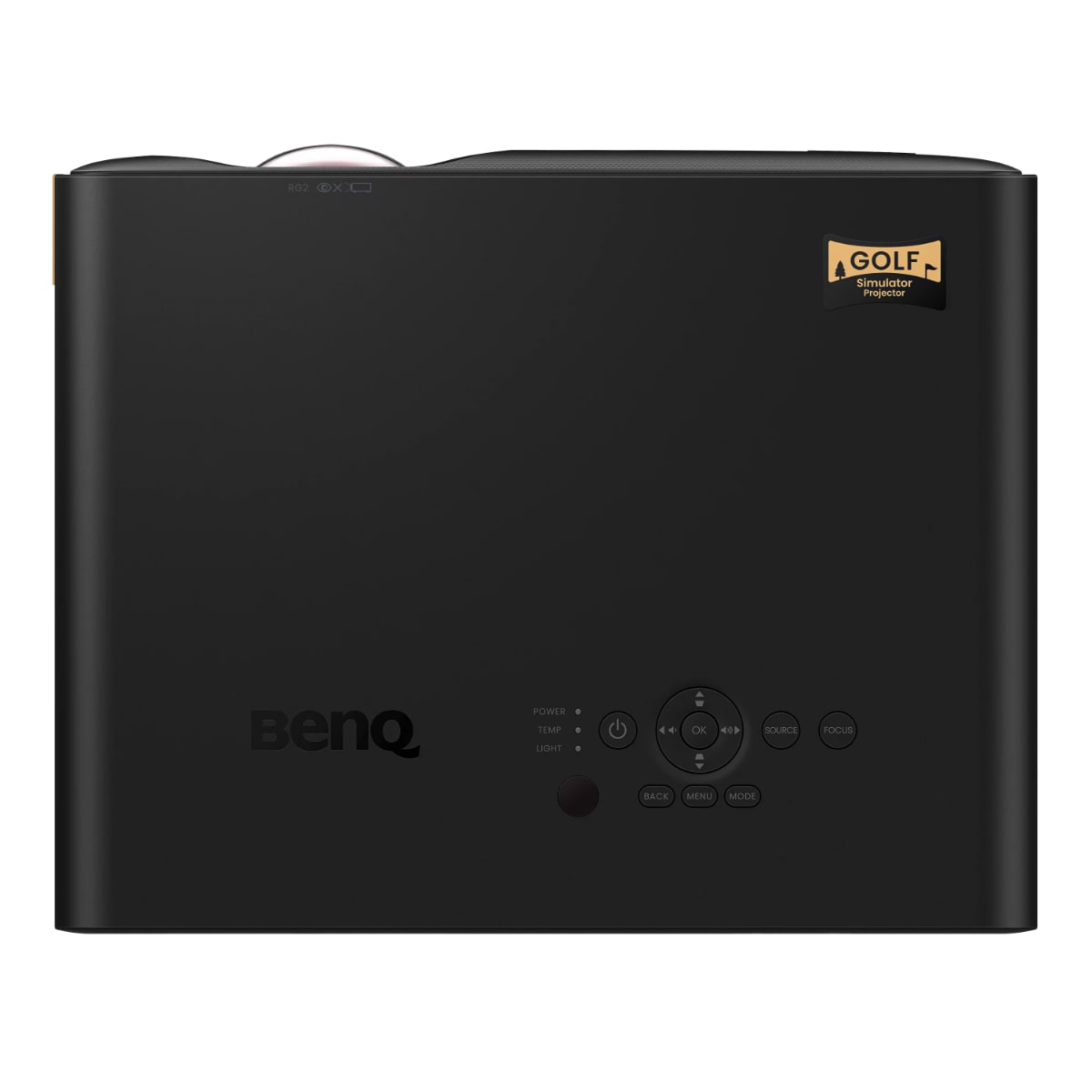
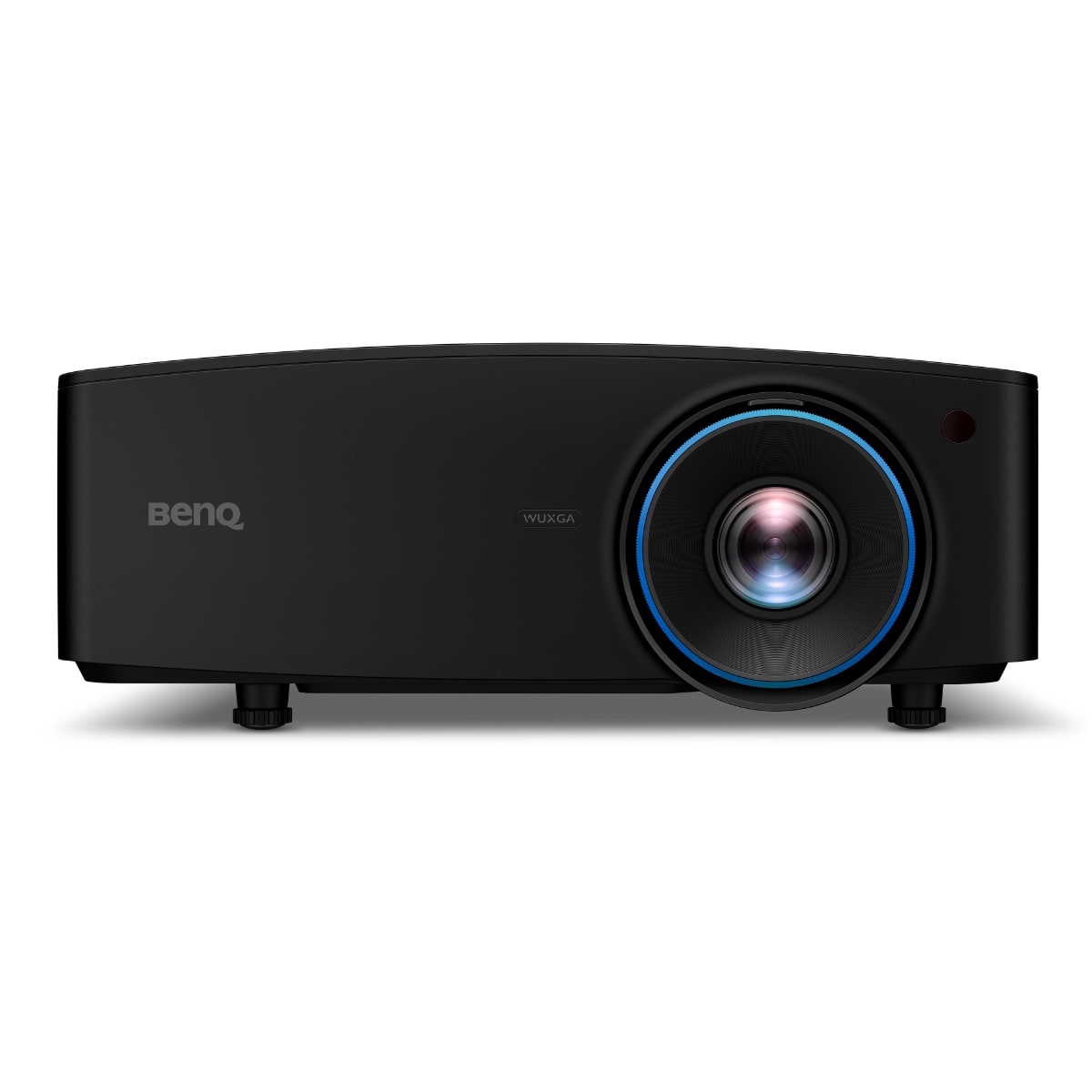
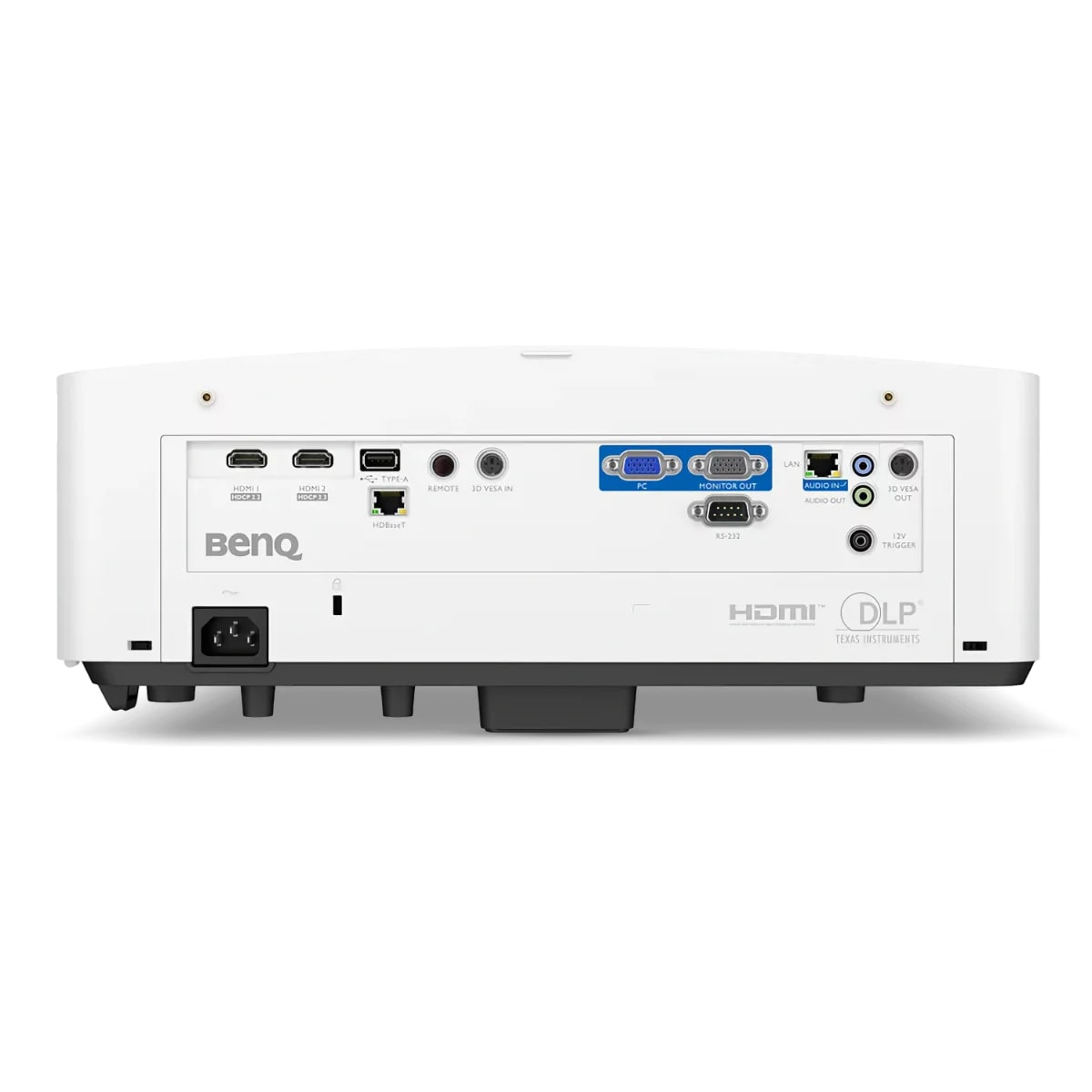
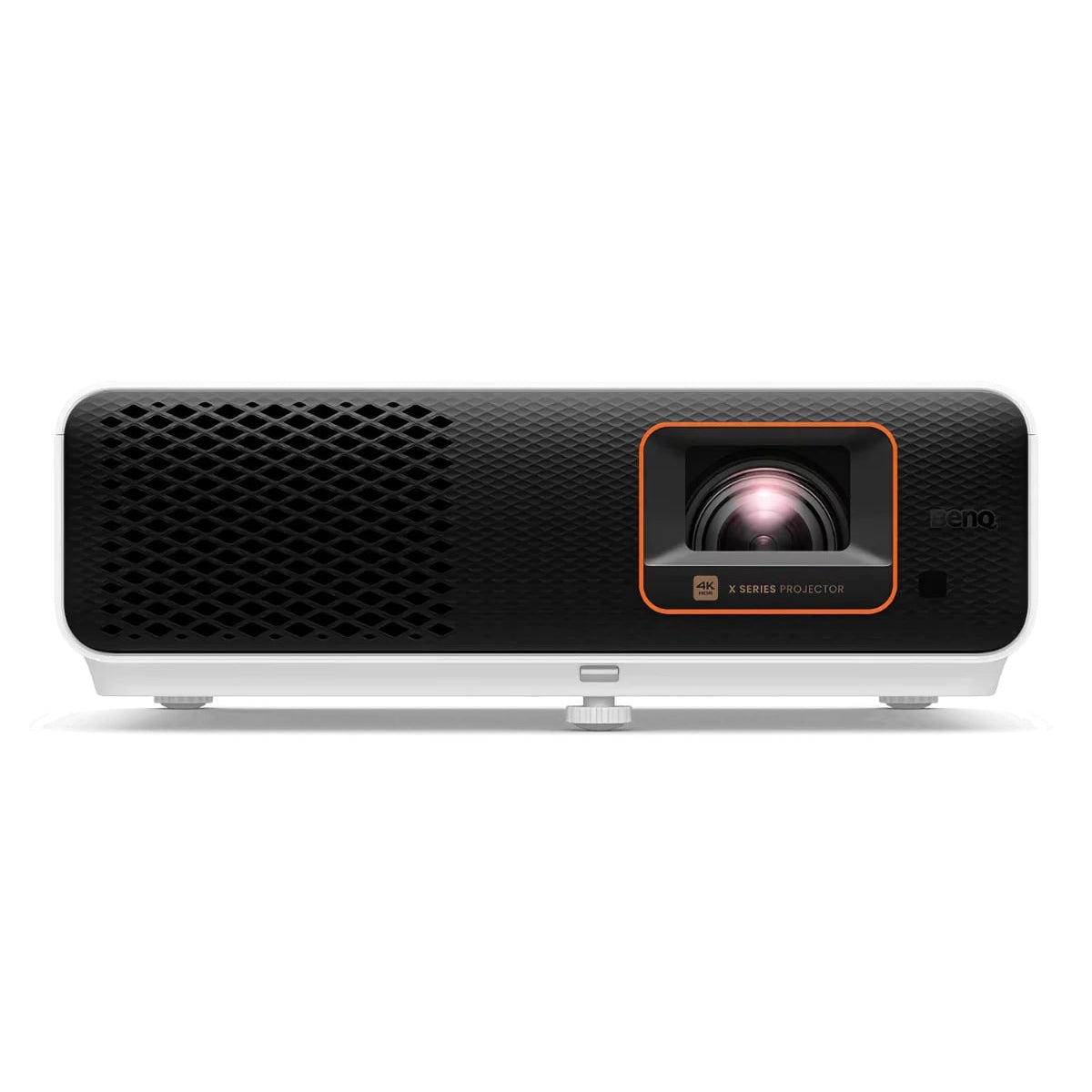
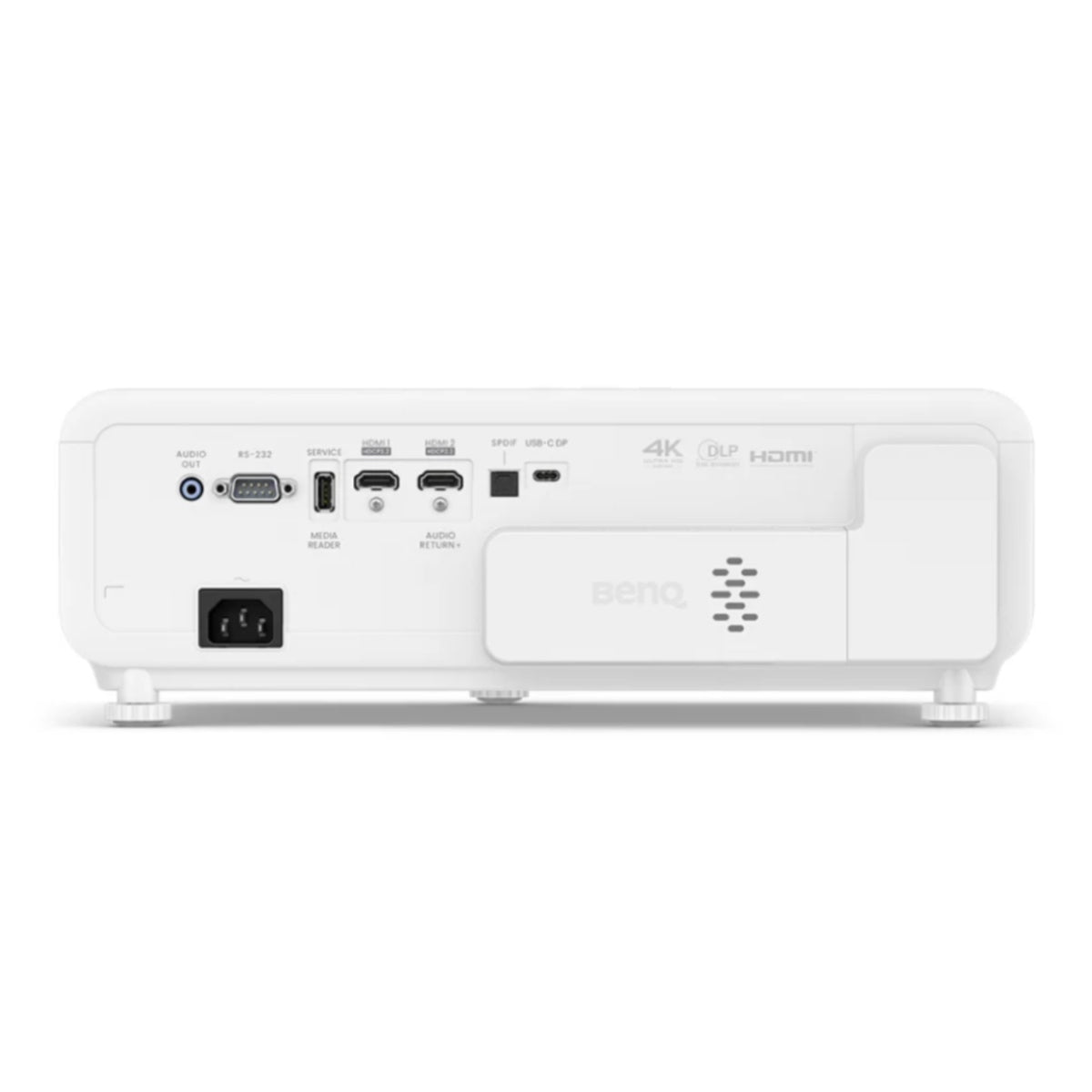
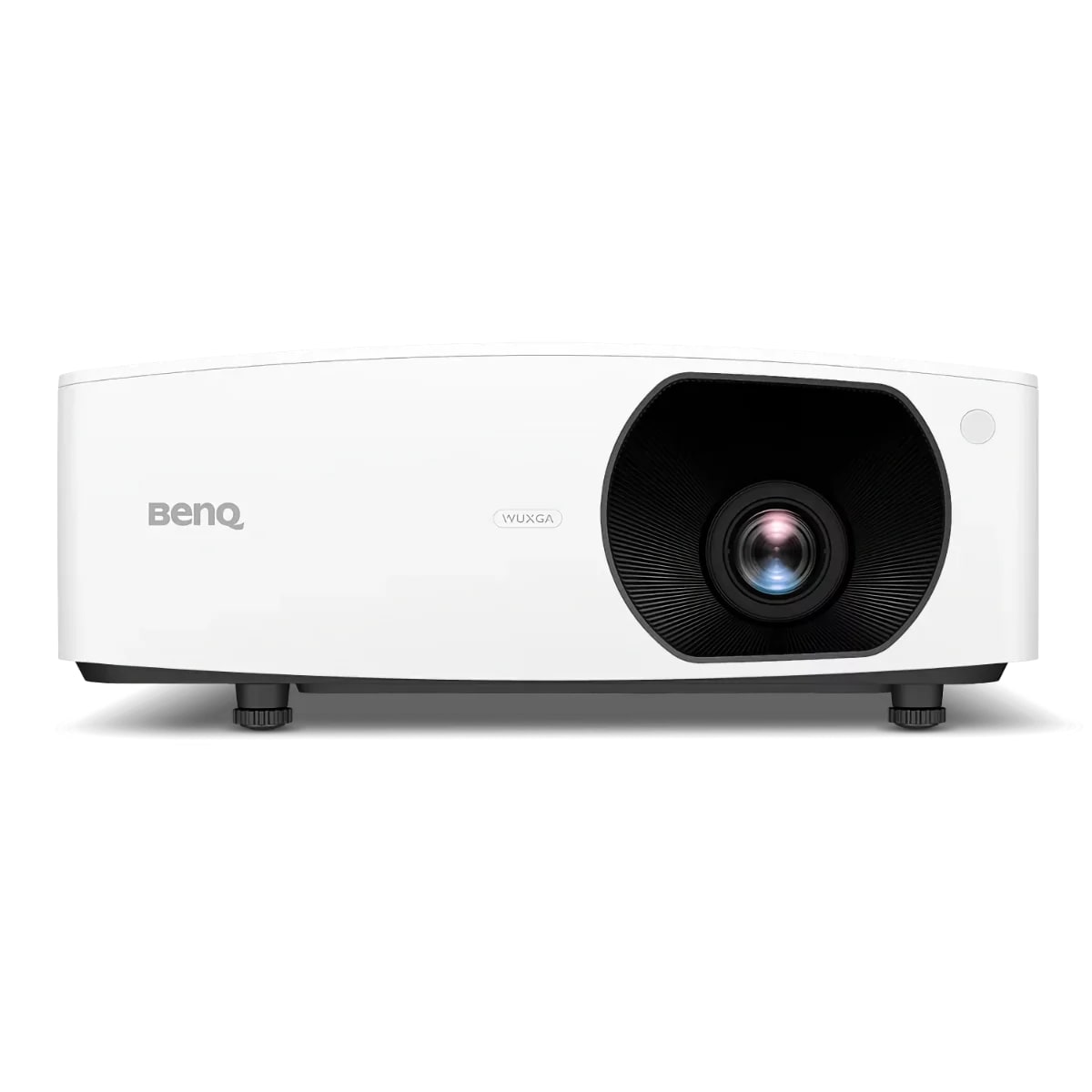
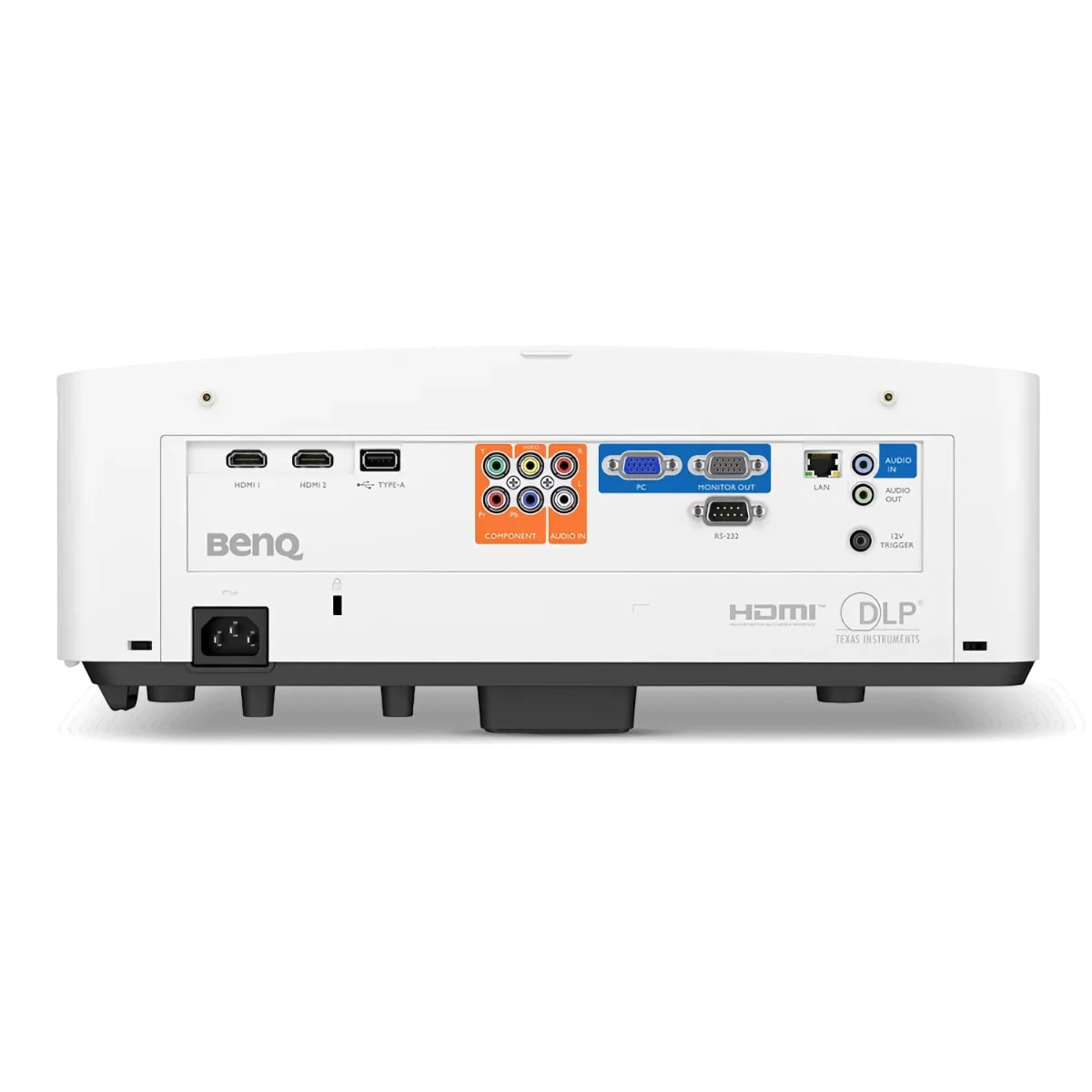
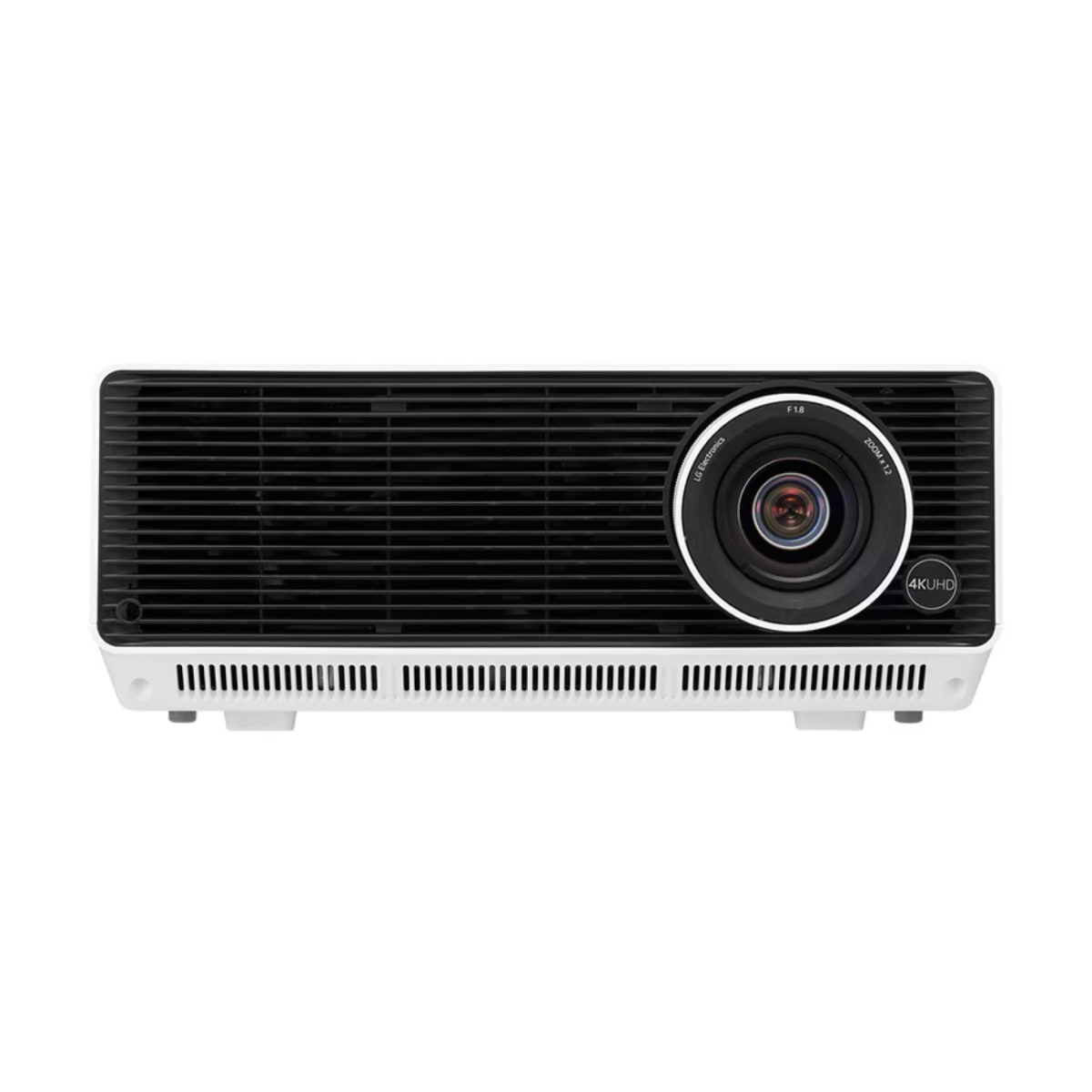
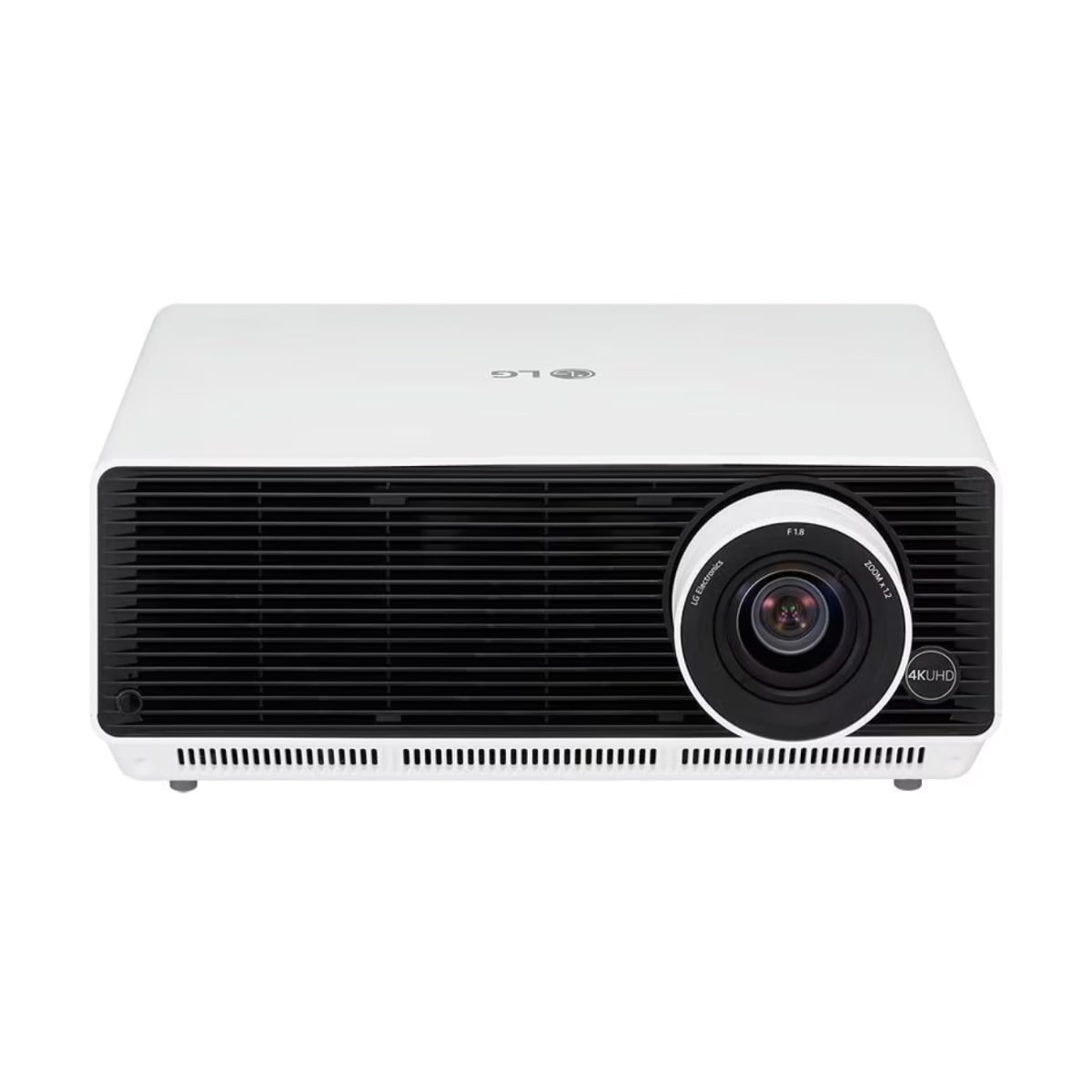
Find the best projector for golf simulator setups with our curated collection of 4K, WUXGA and 1080p models engineered for indoor golf. Our golf simulator projectors include laser and LED options with short throw capabilities, high brightness ratings, and low input lag for accurate ball tracking. From budget-friendly 1080p units to premium 4K laser projectors, each model delivers the image quality and performance your simulator demands.

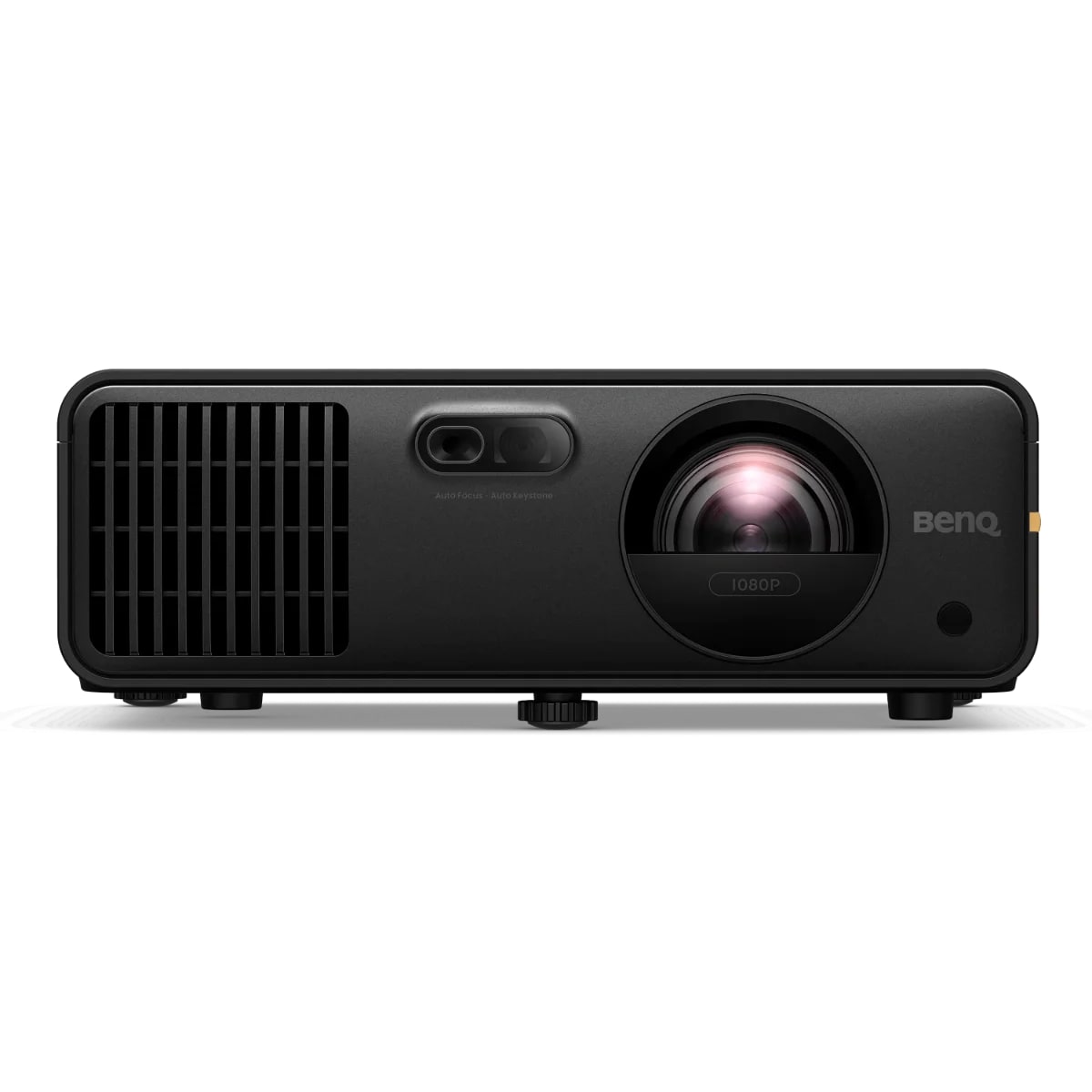
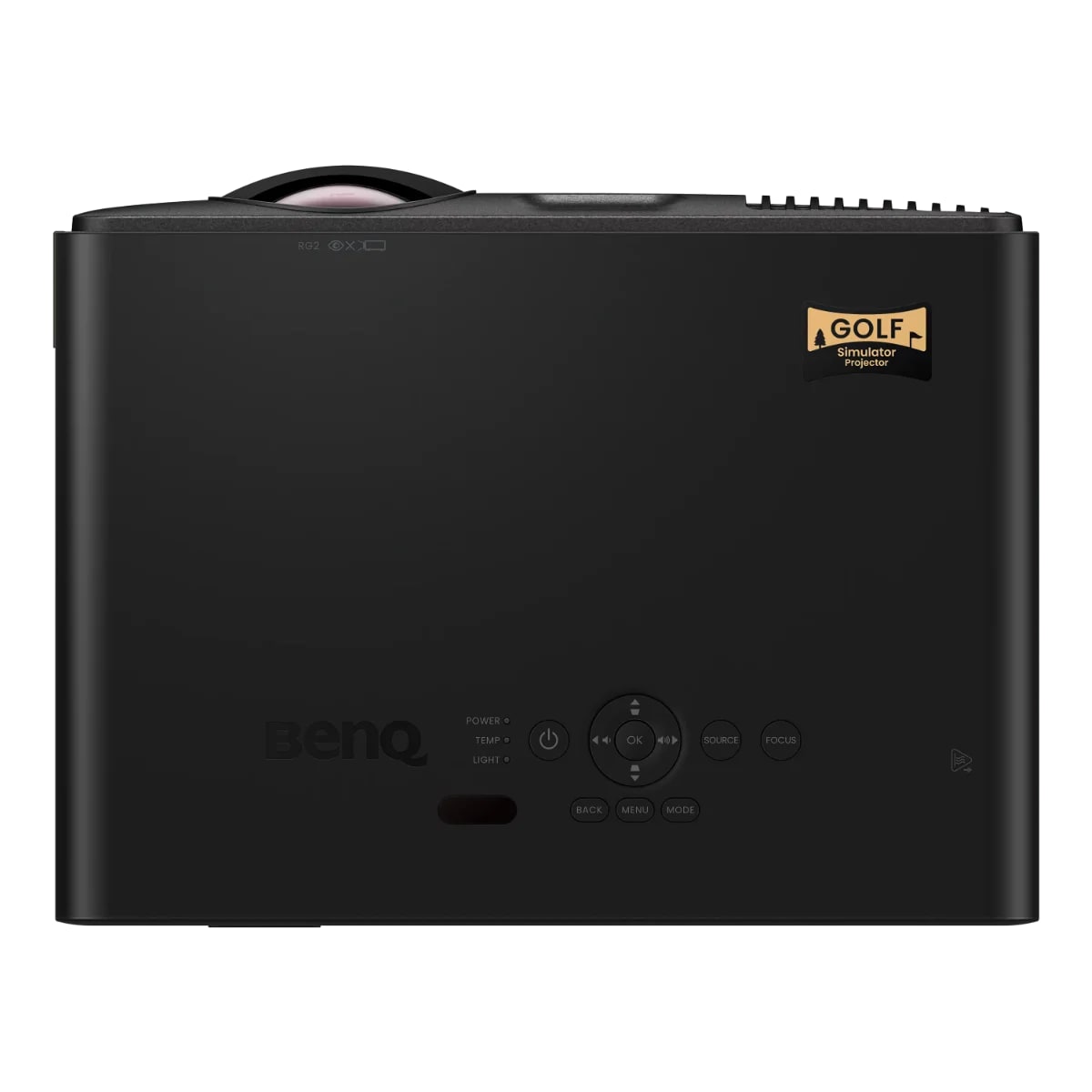
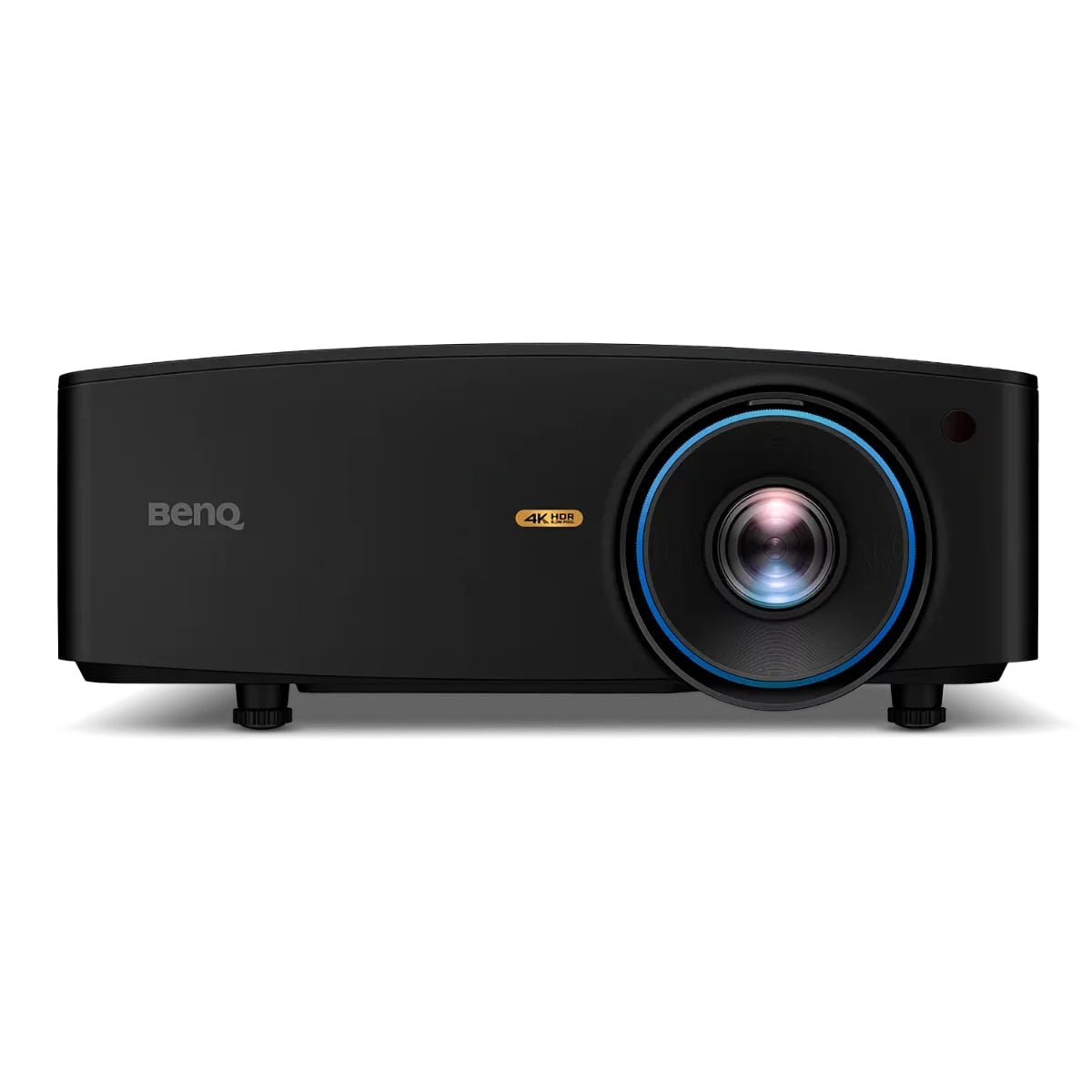
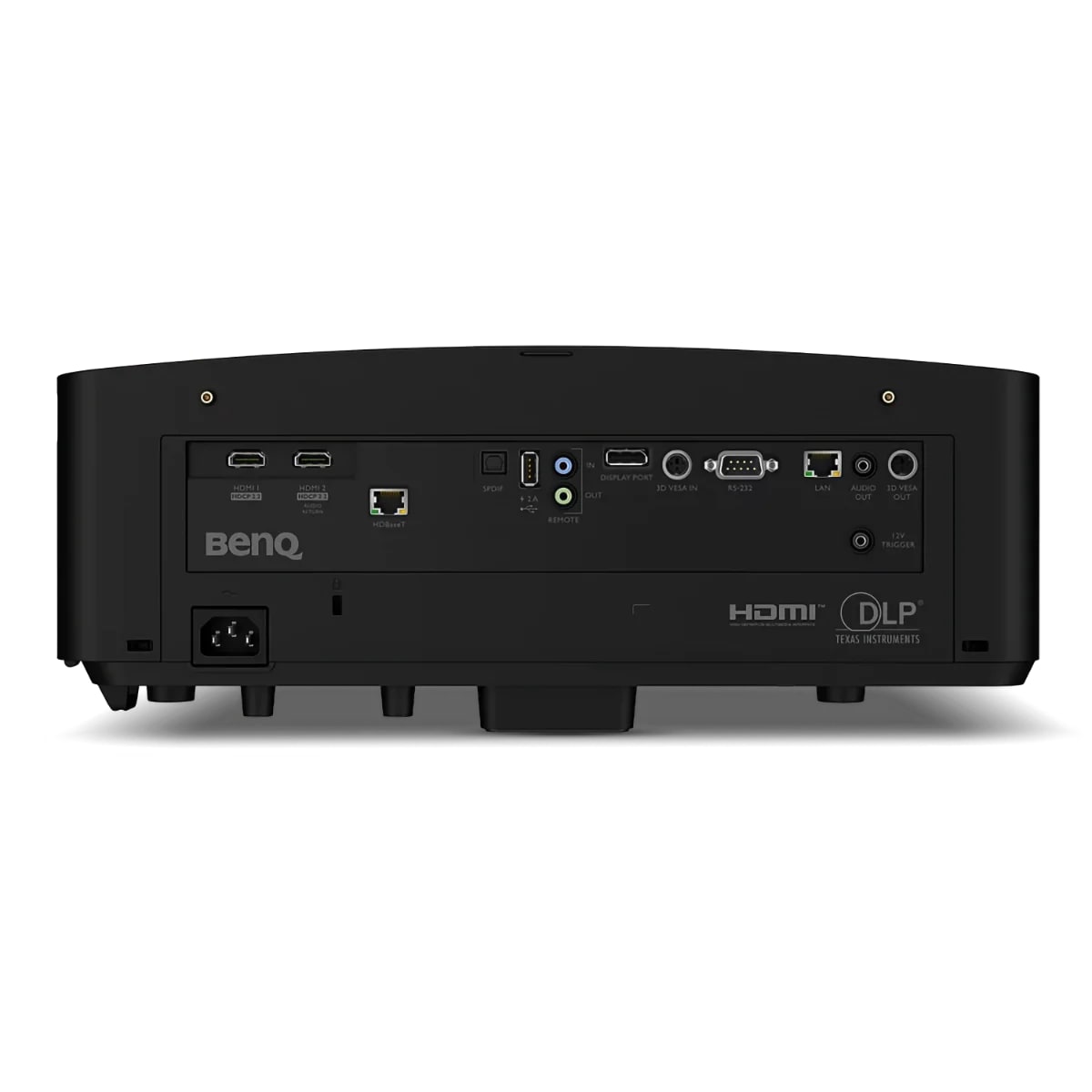
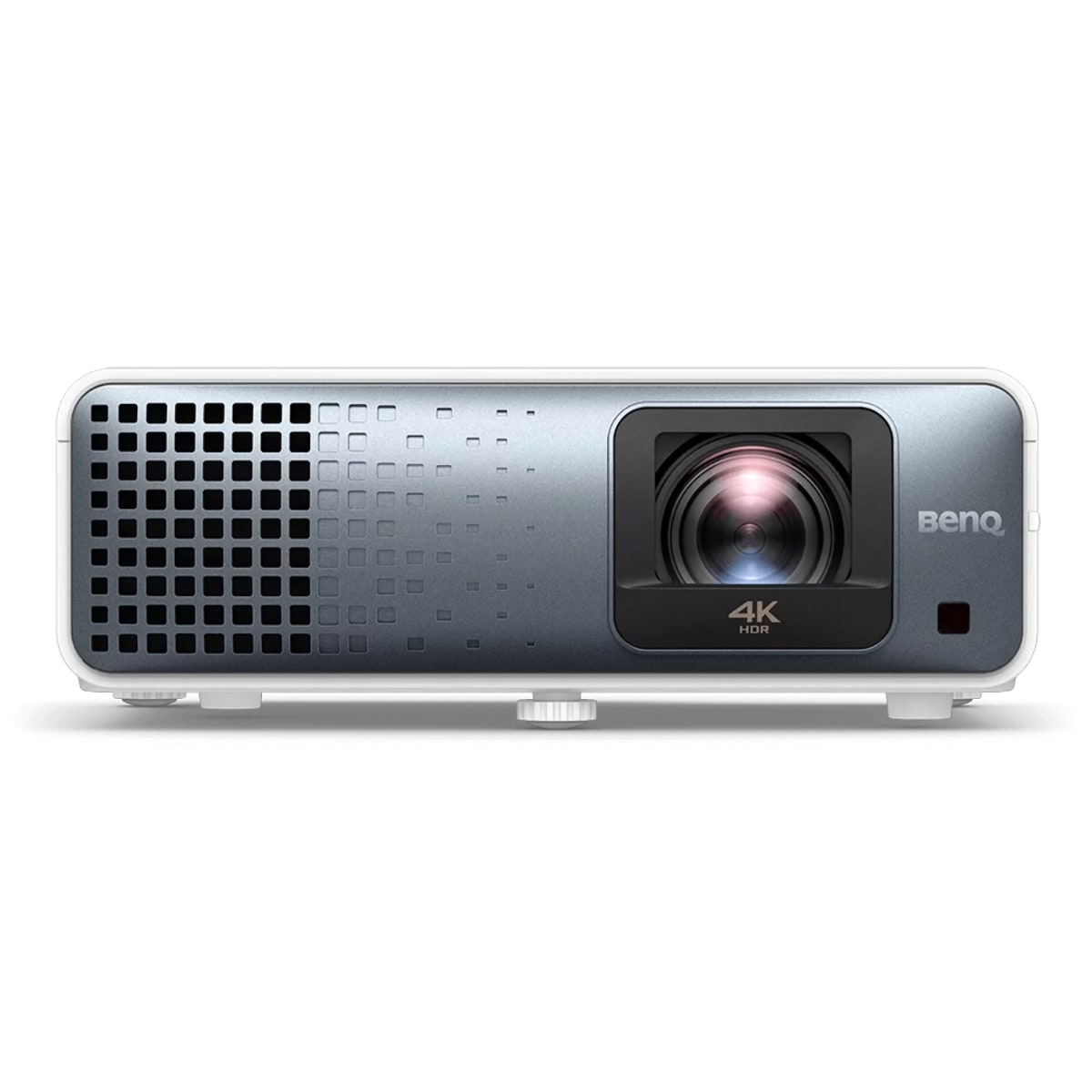
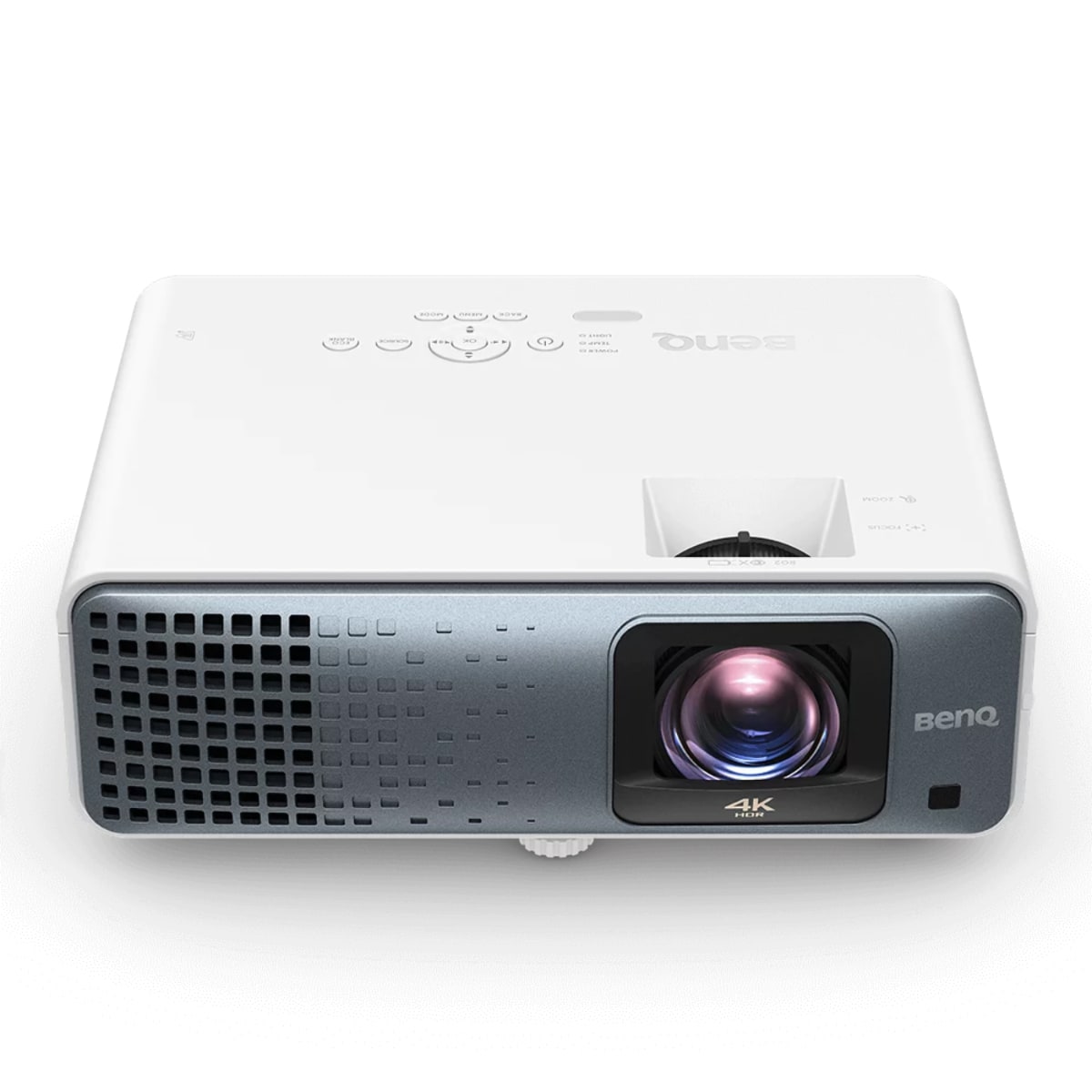
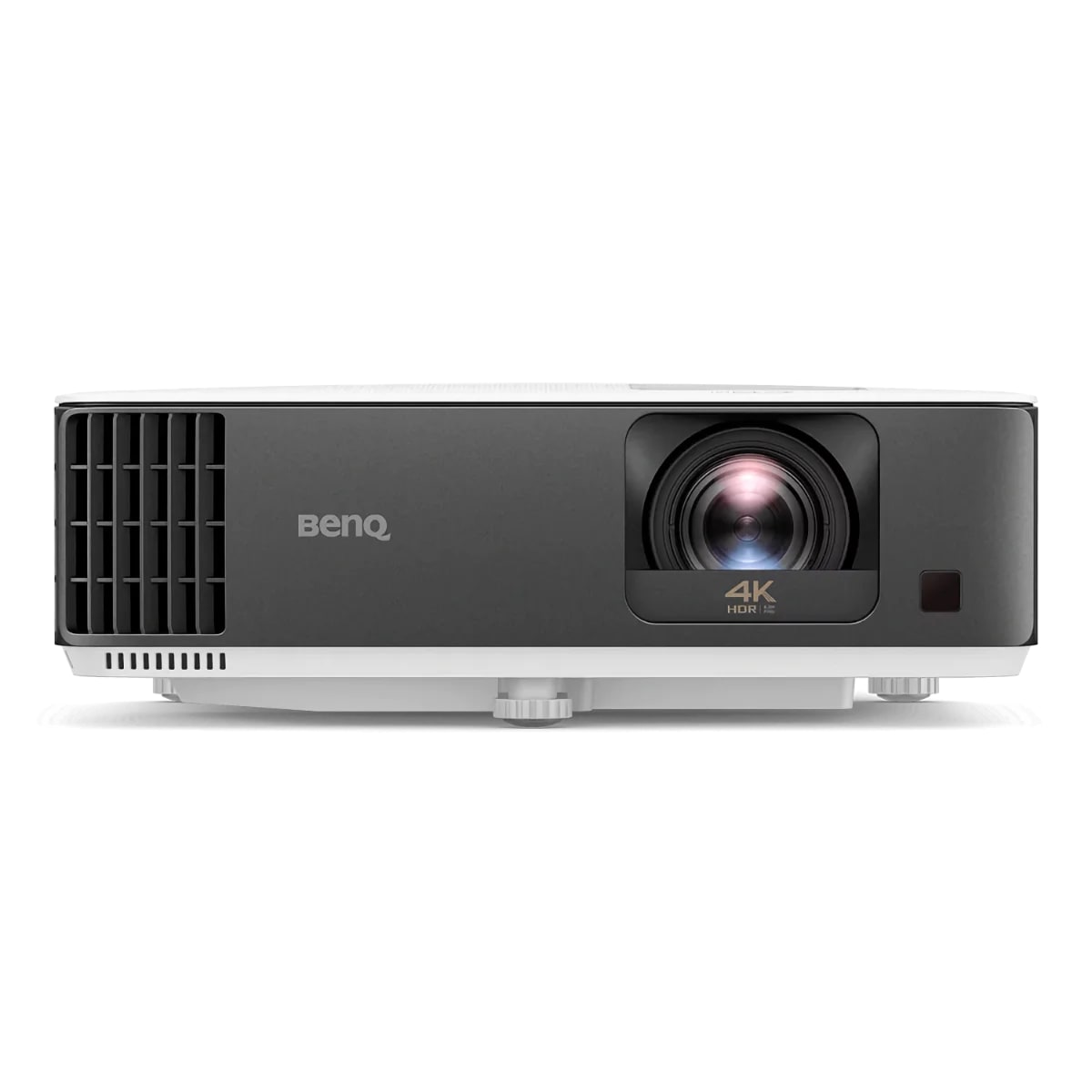
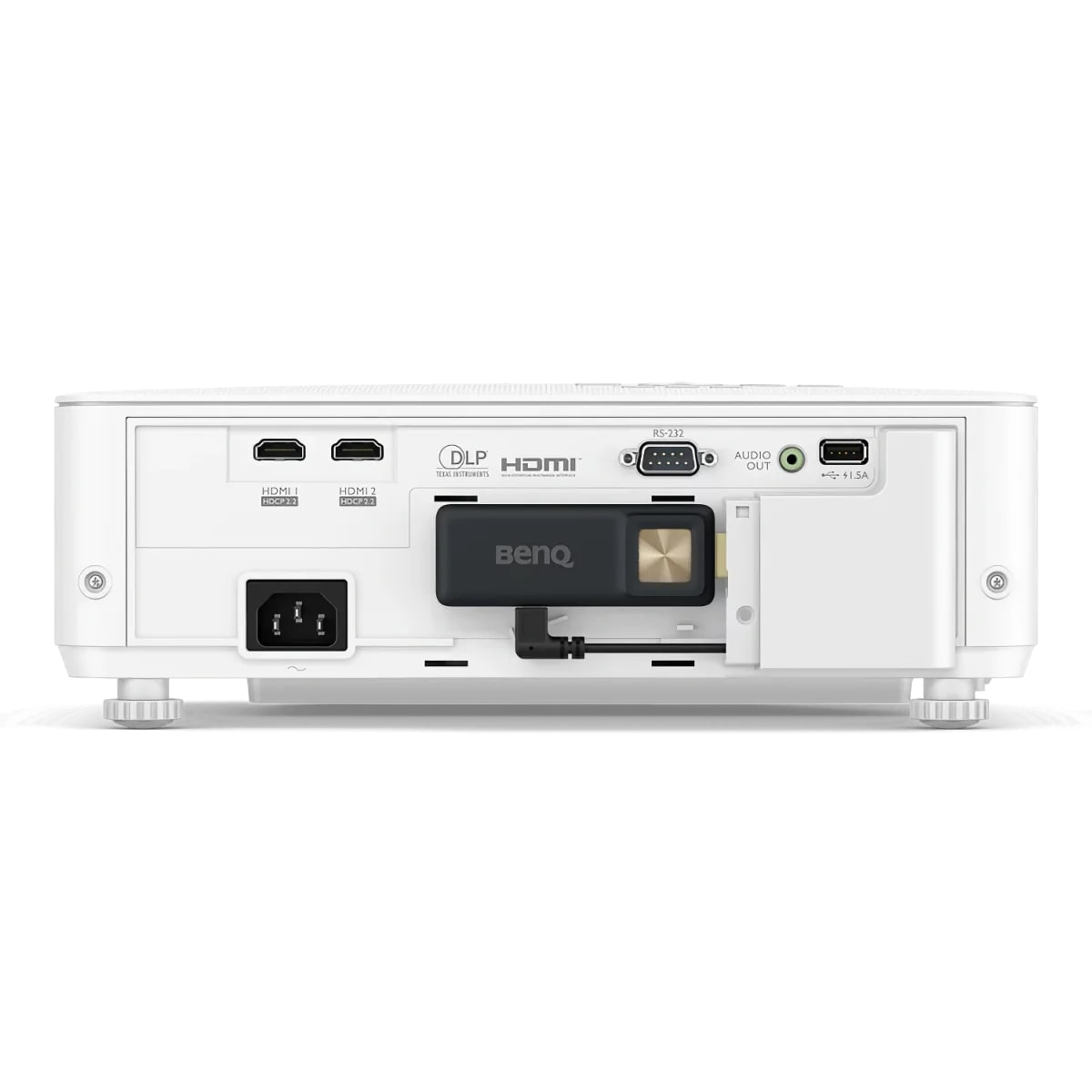

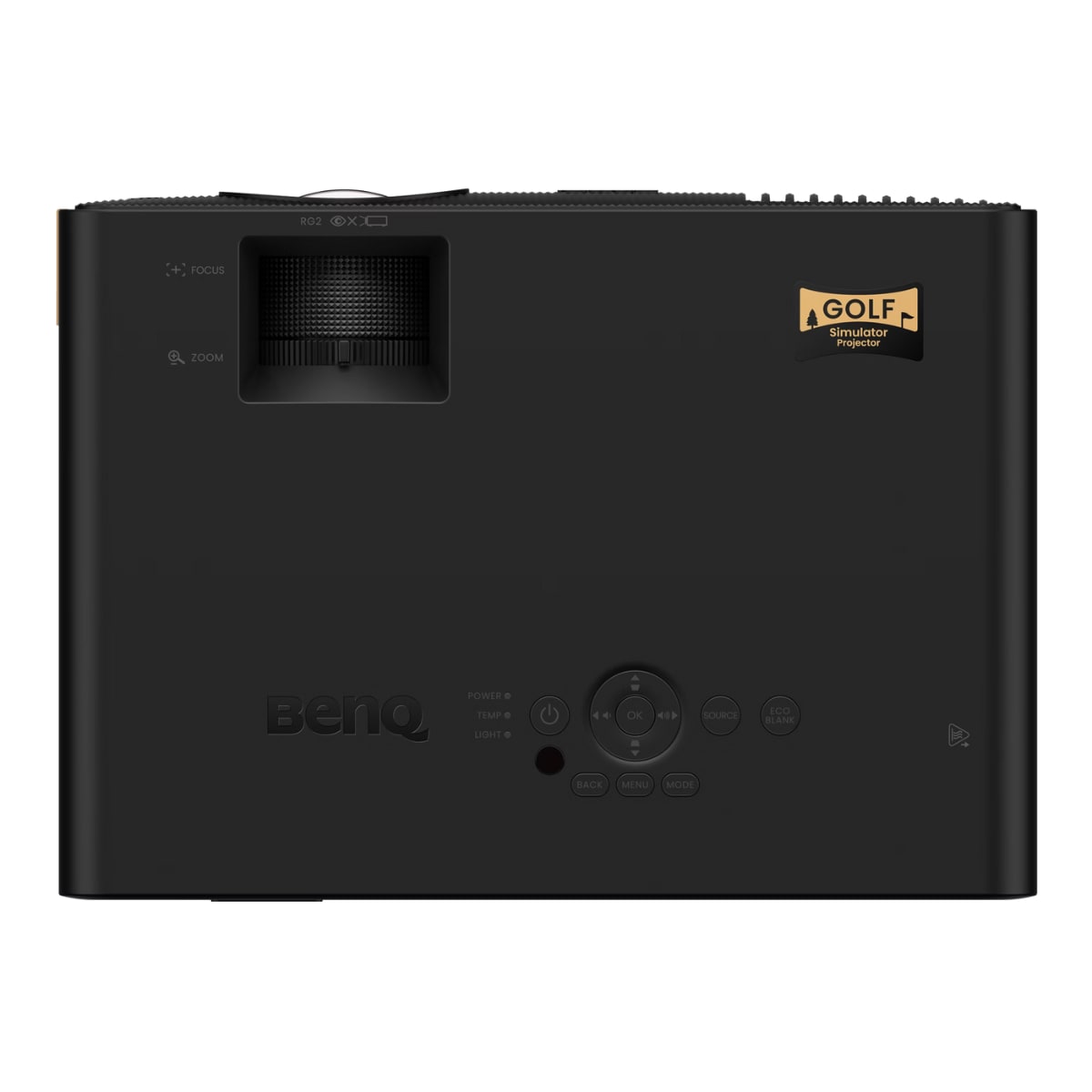

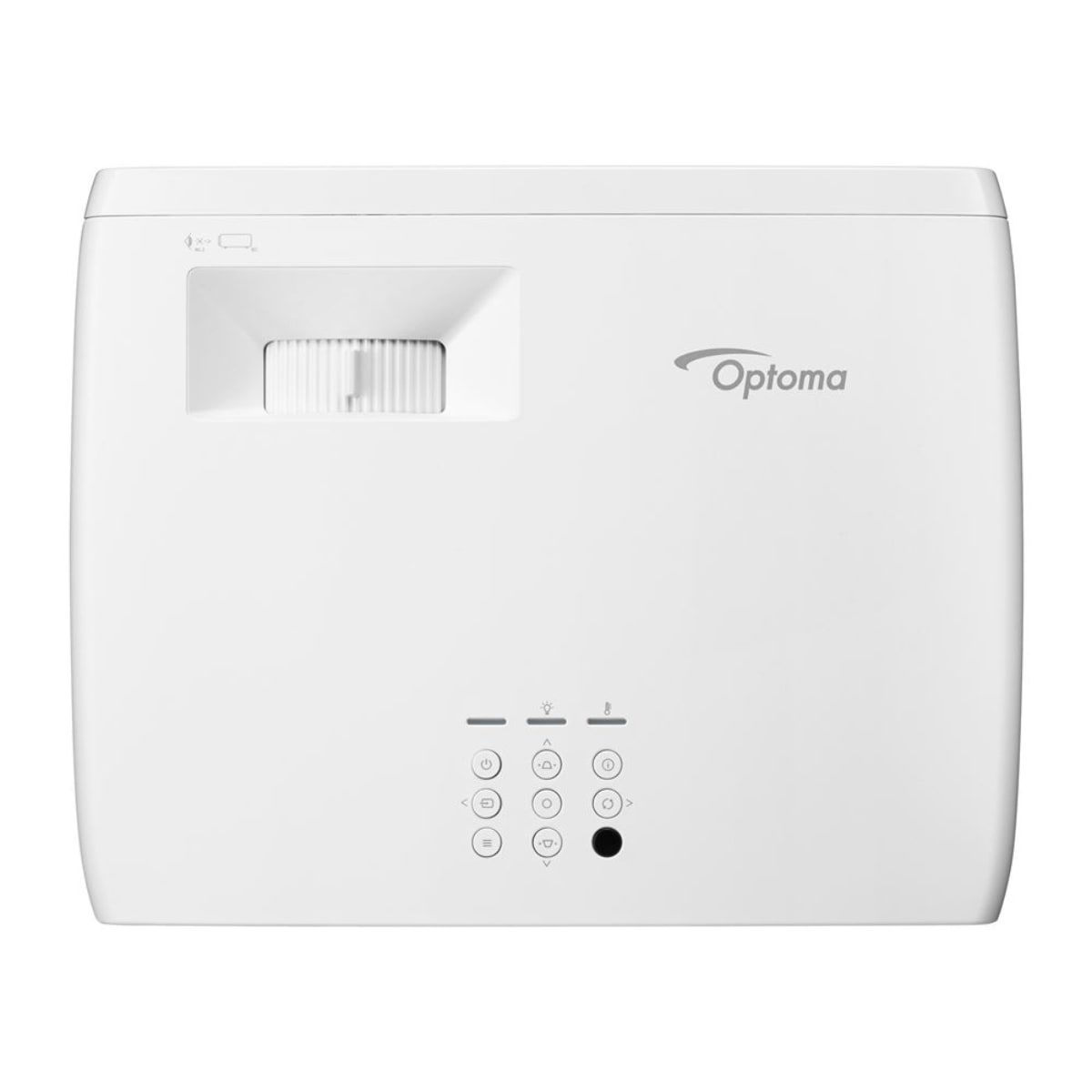

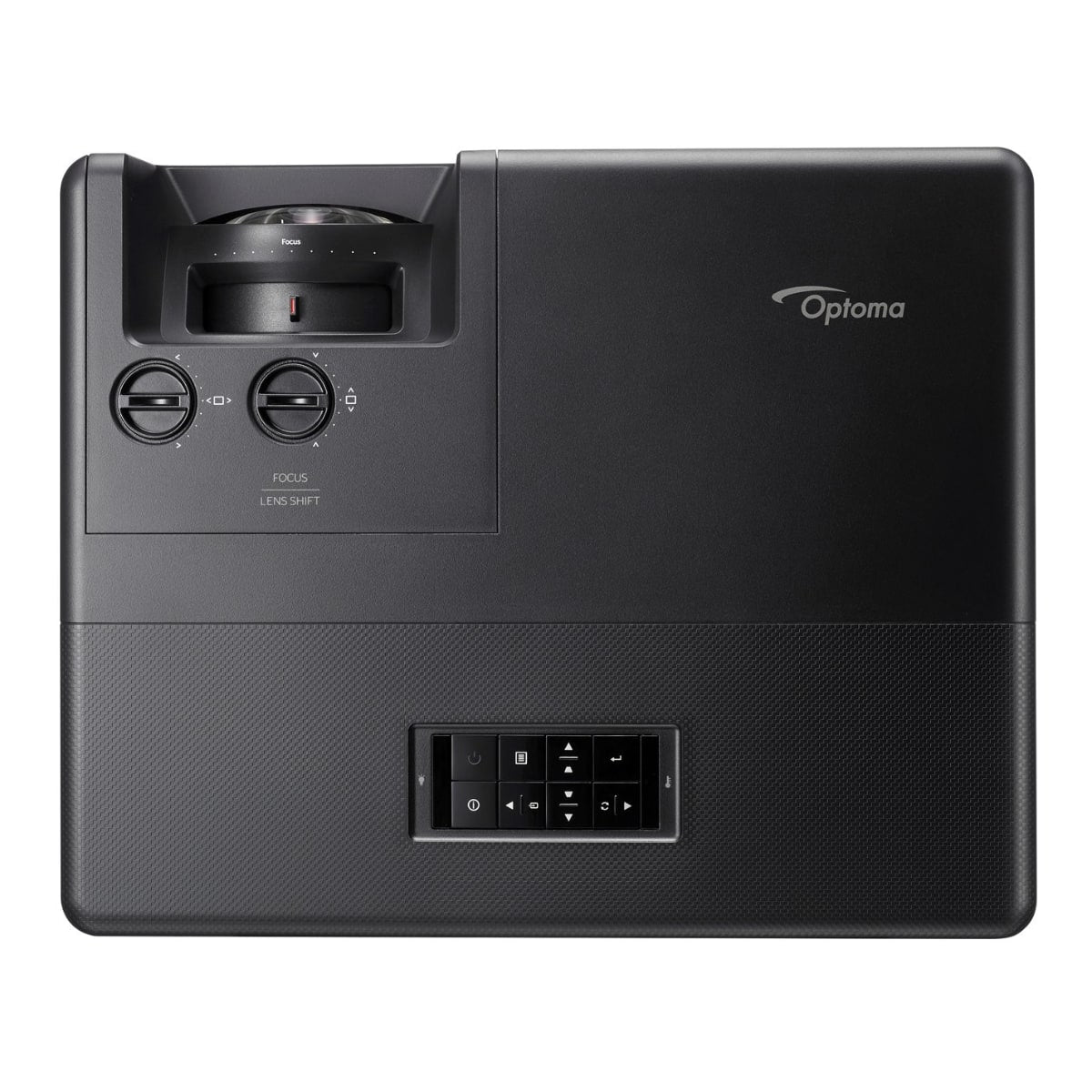
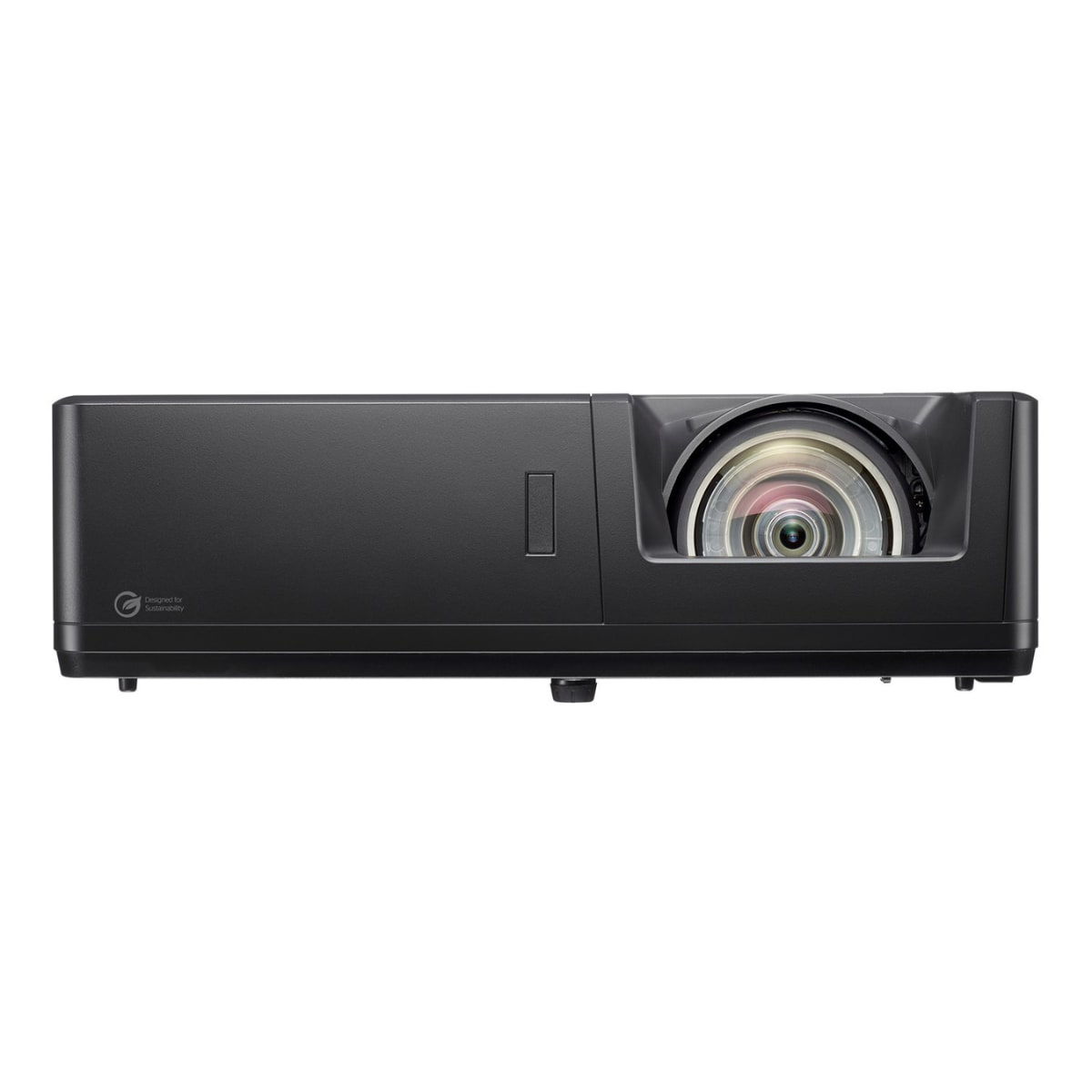
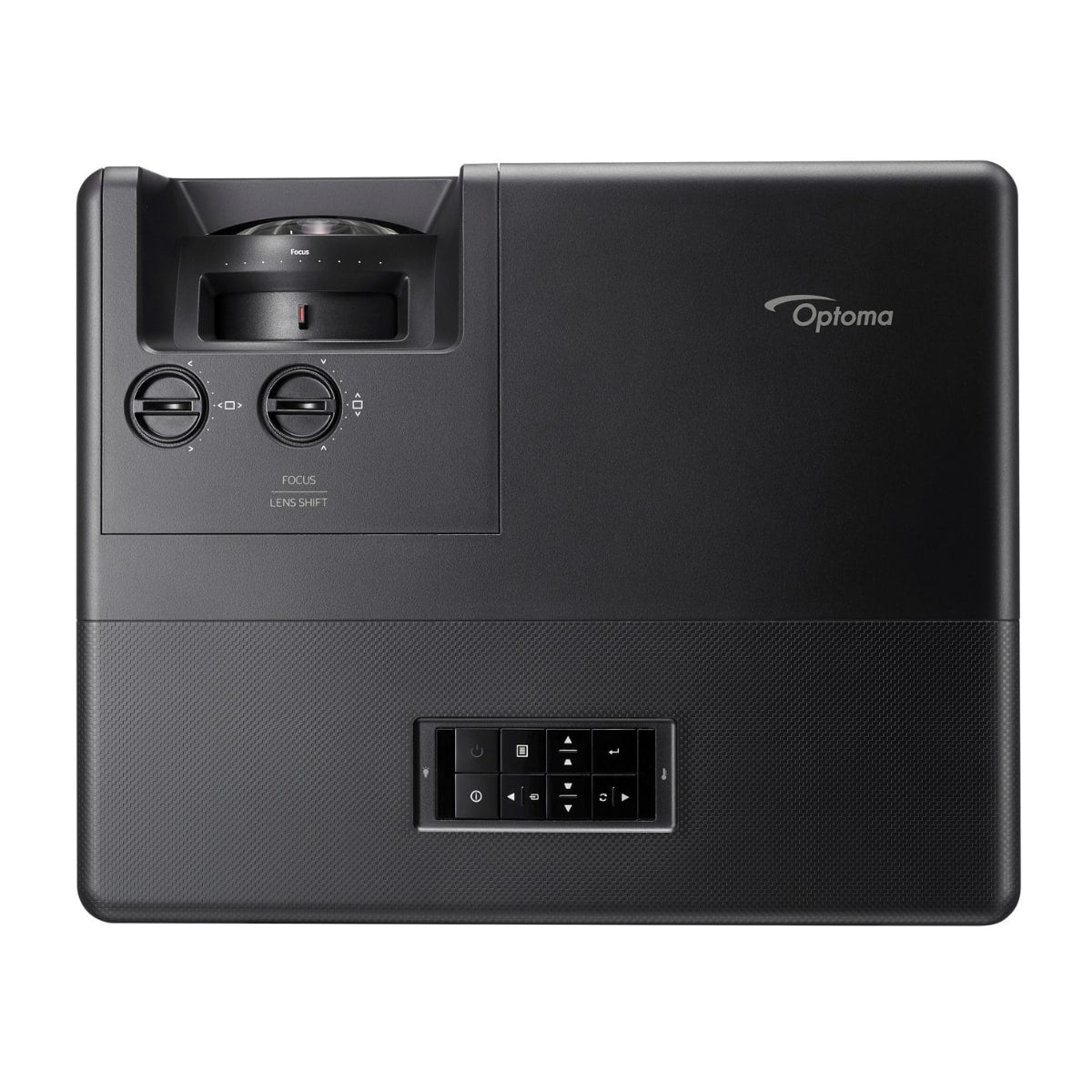

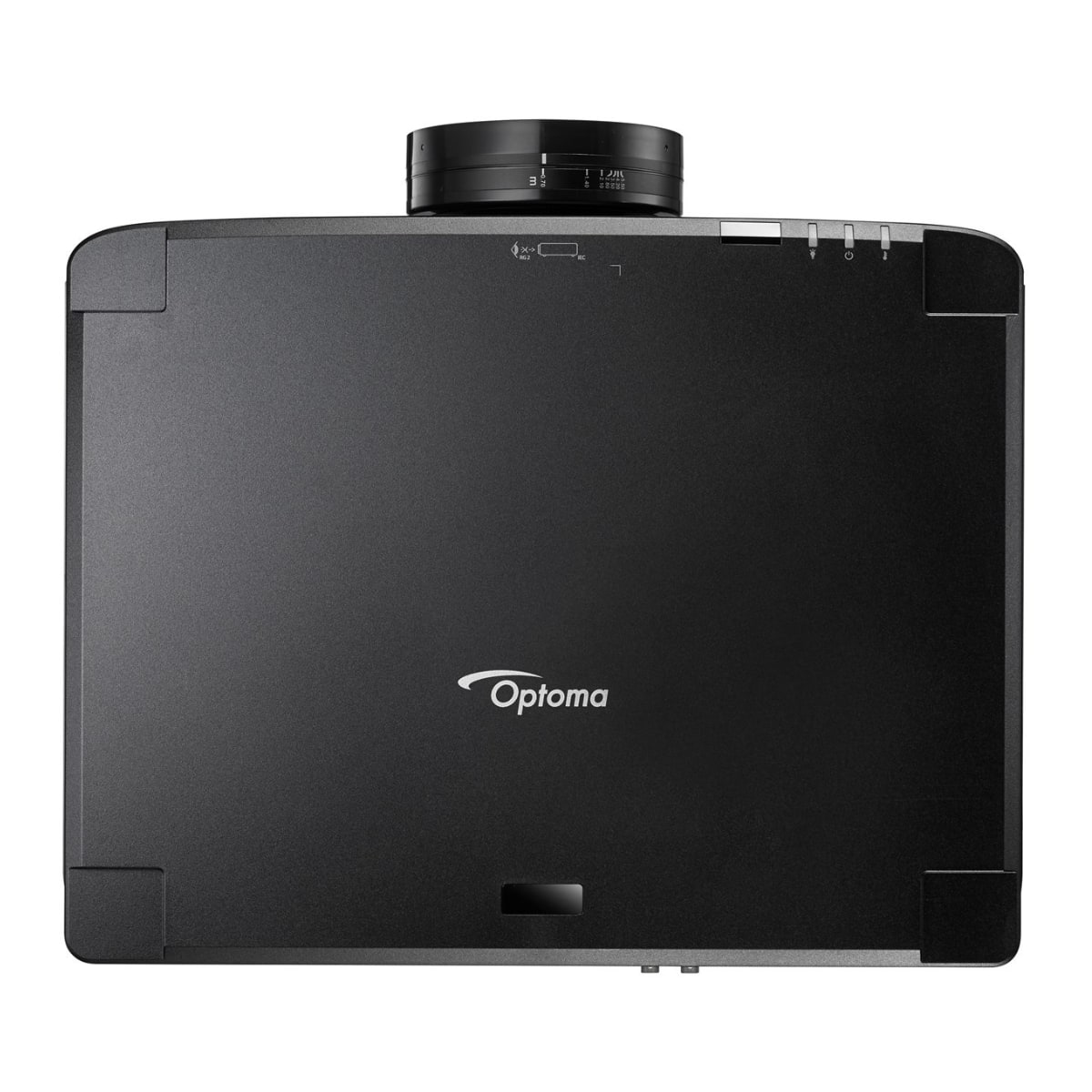

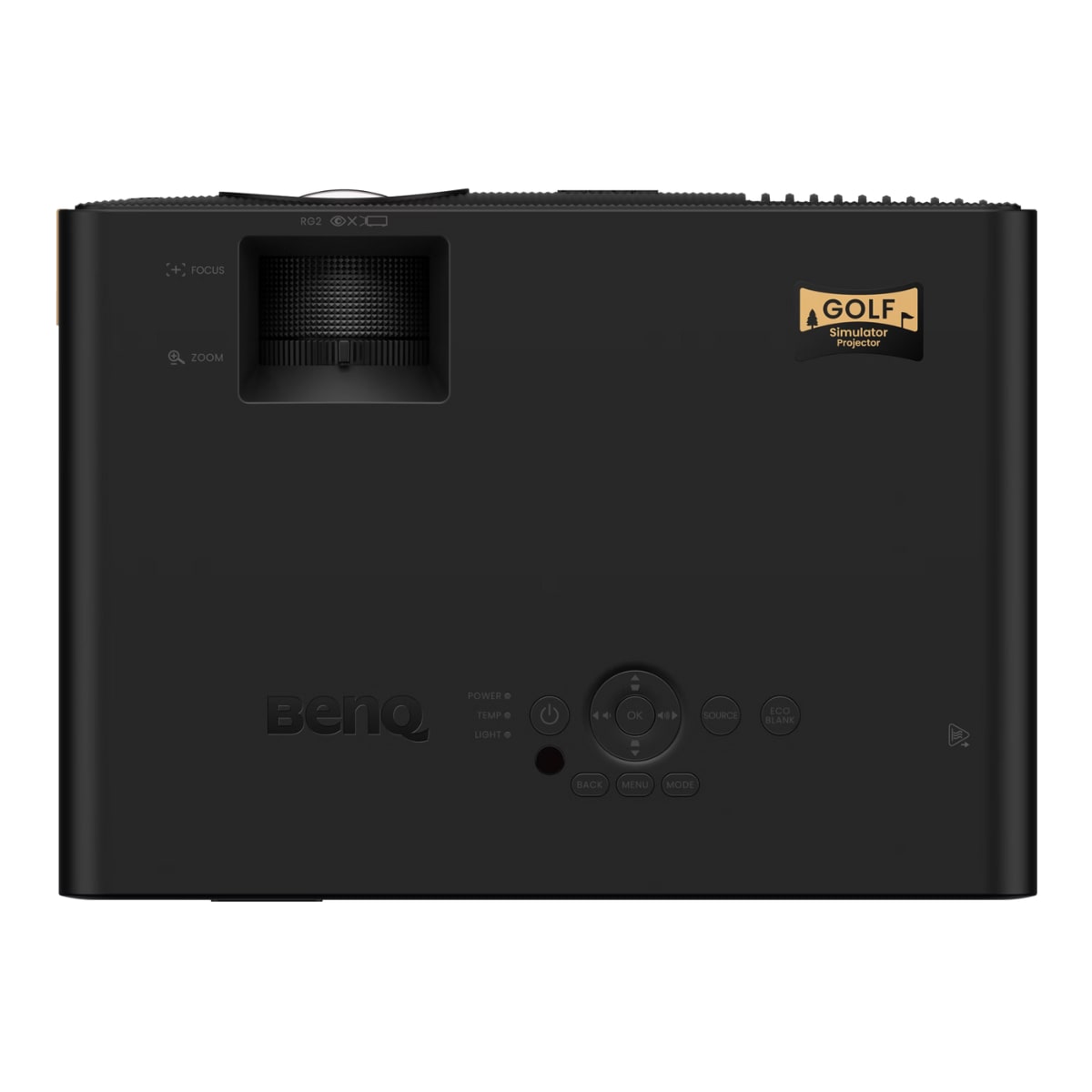
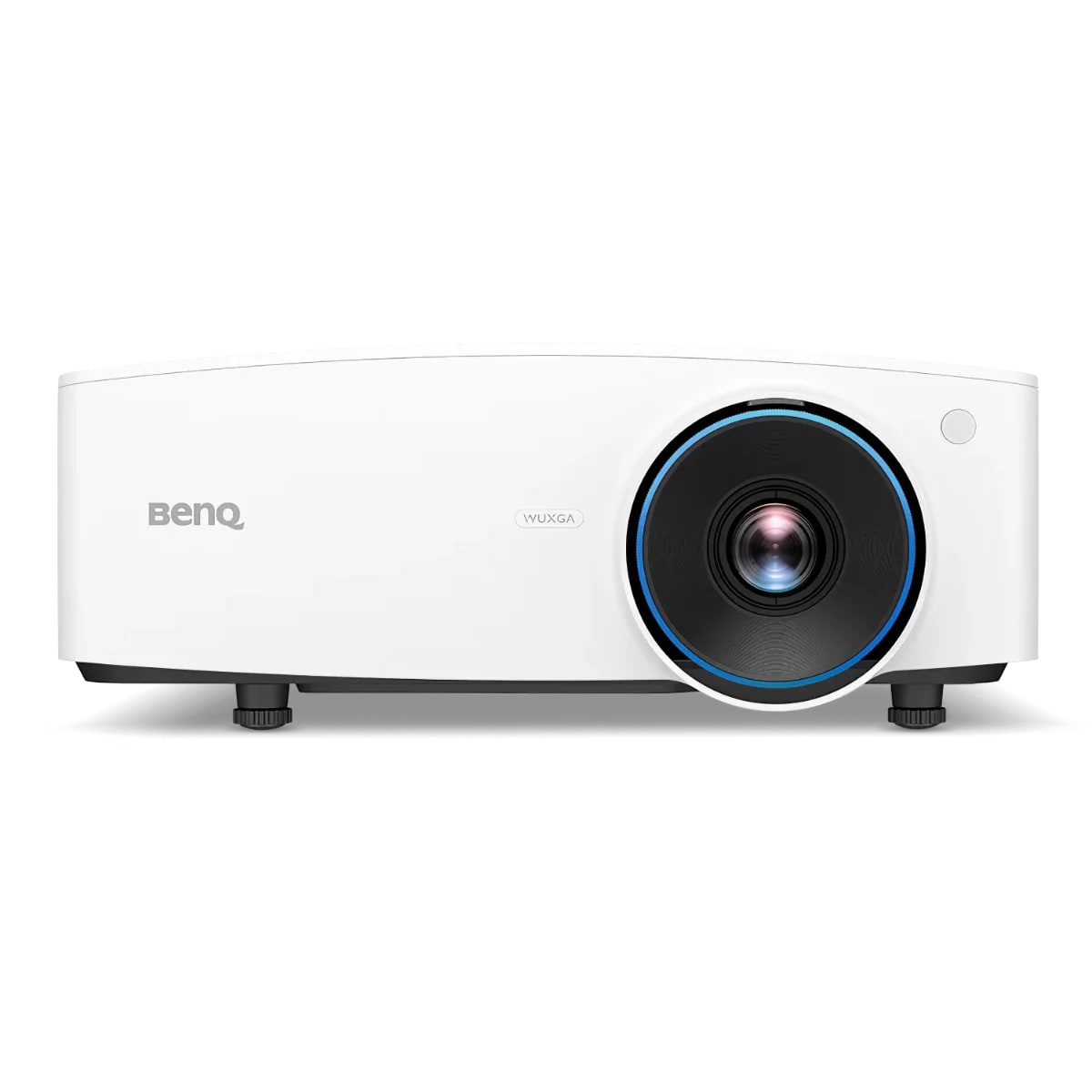

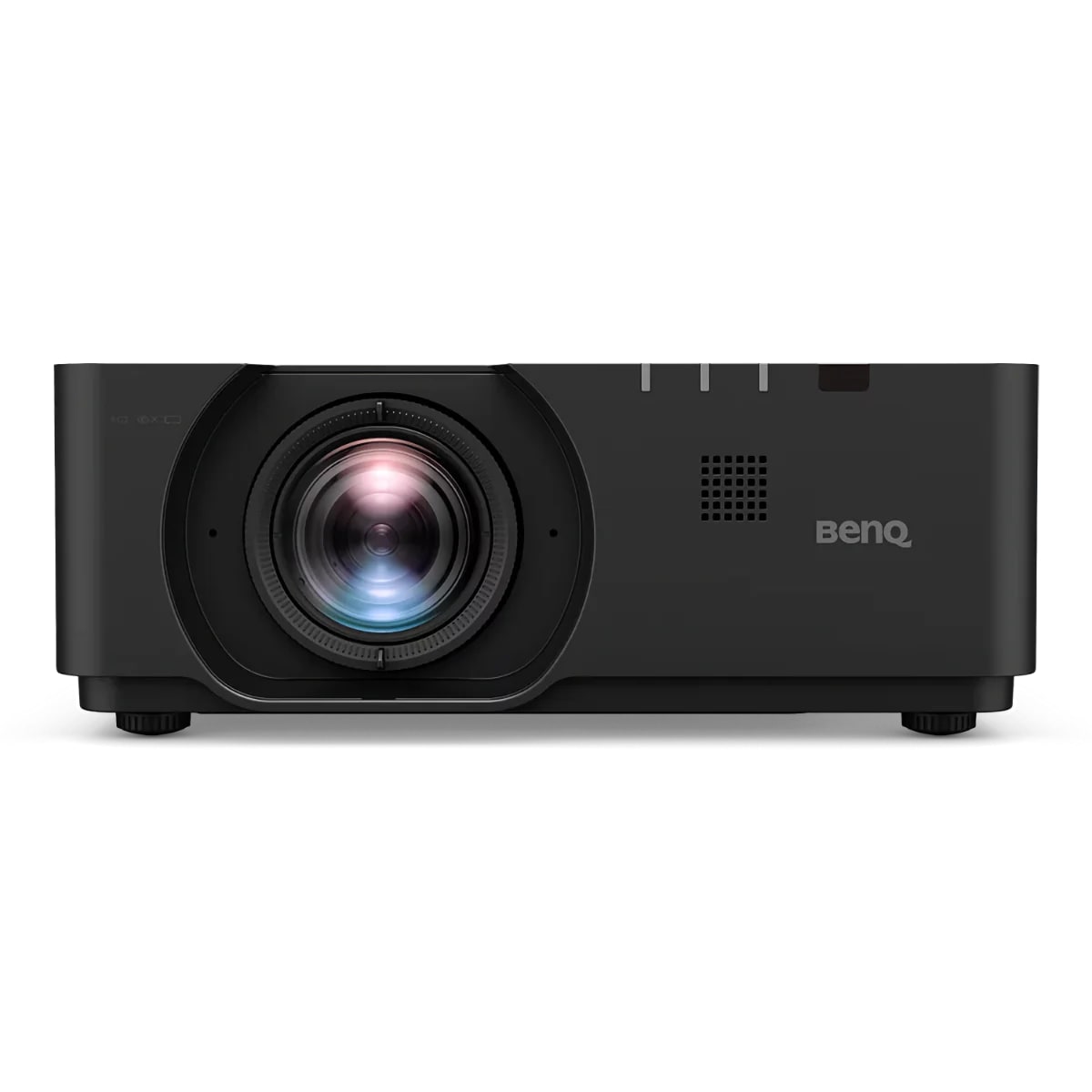
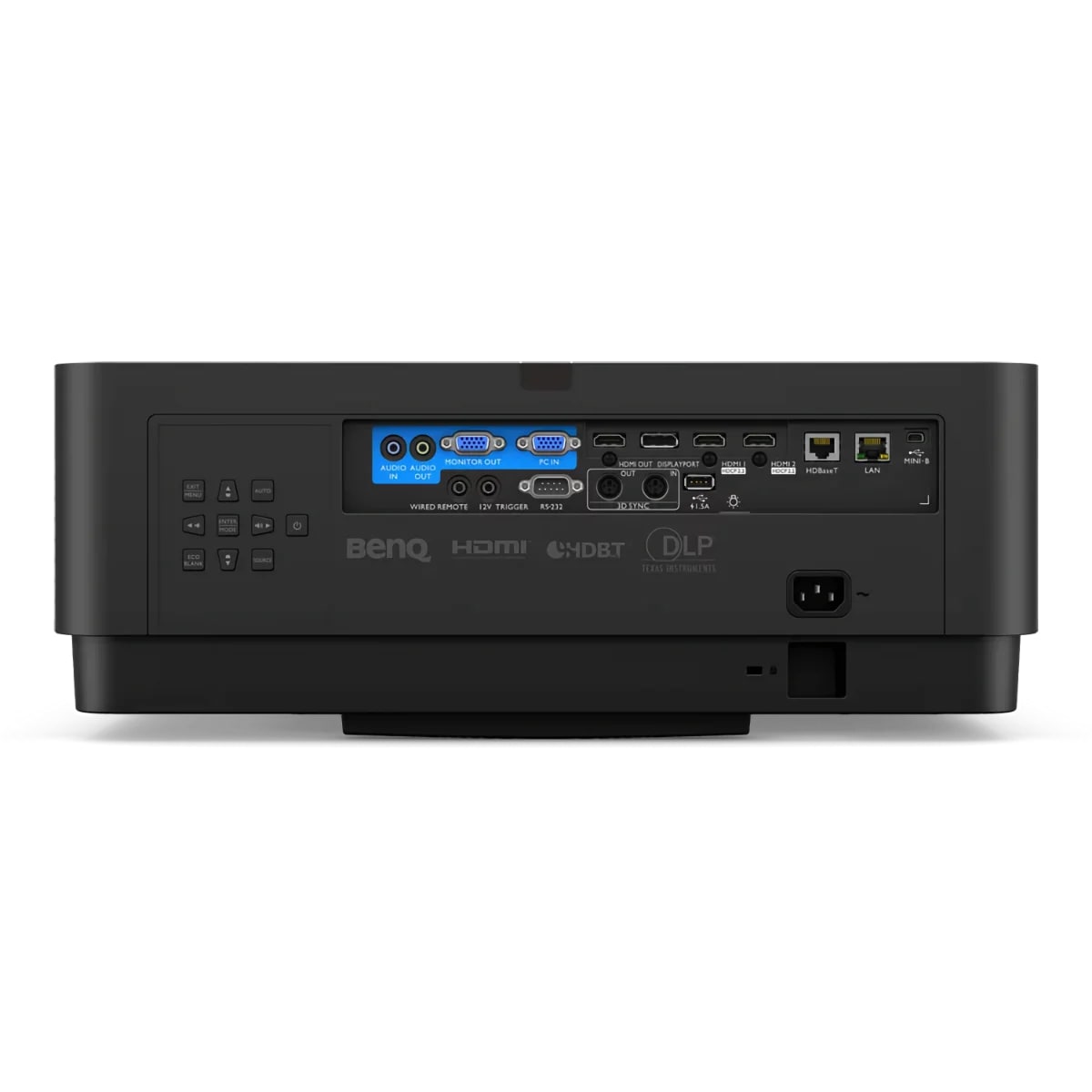
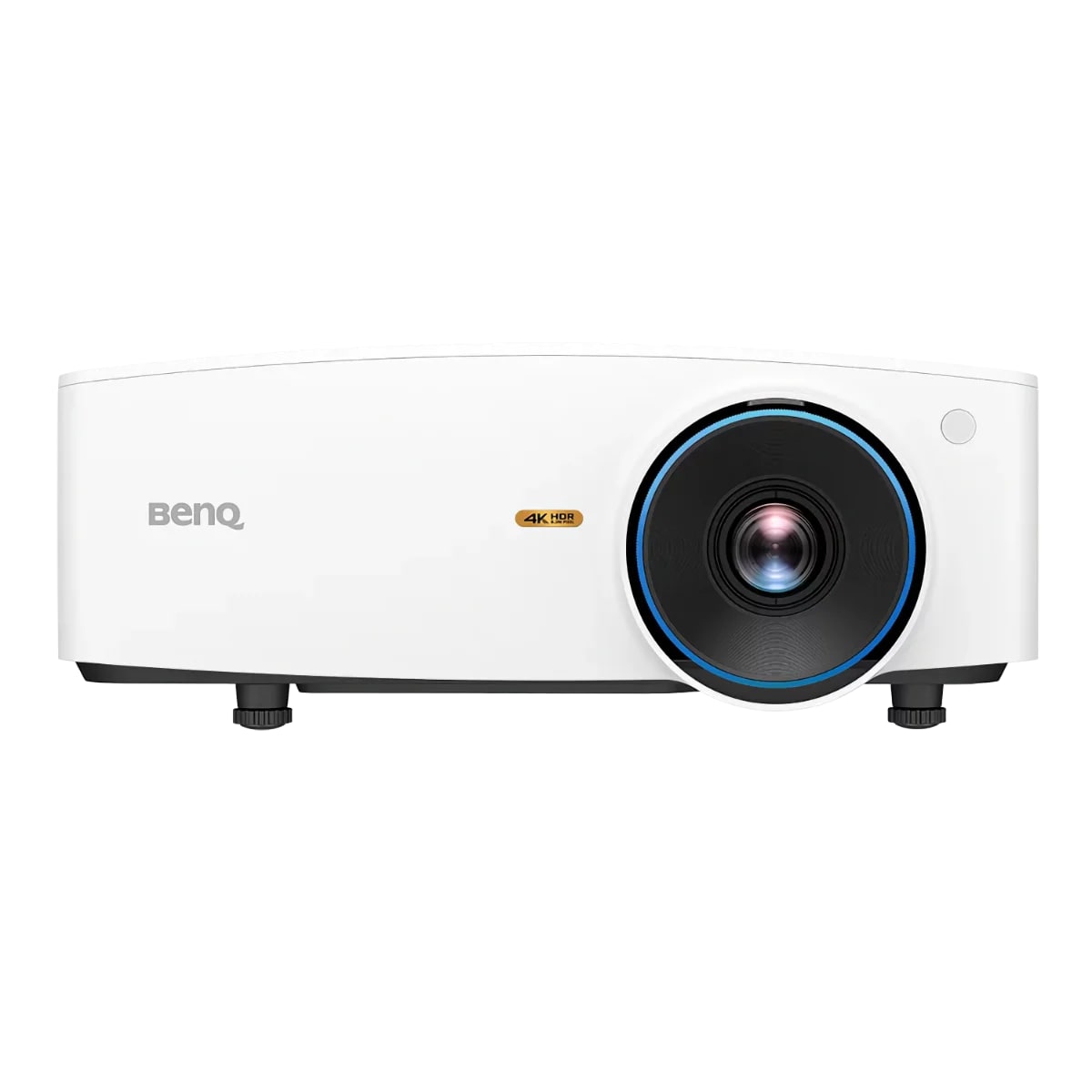
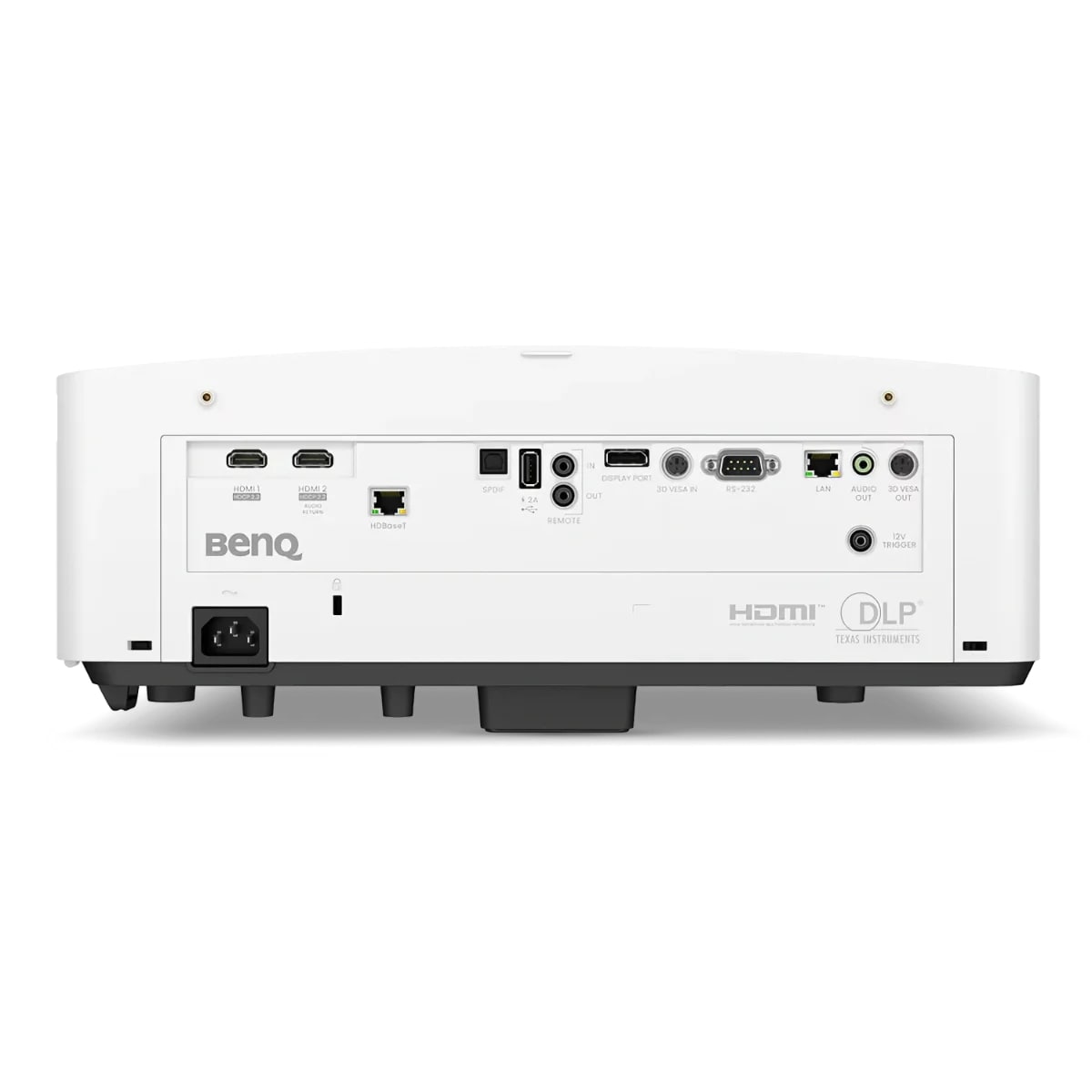
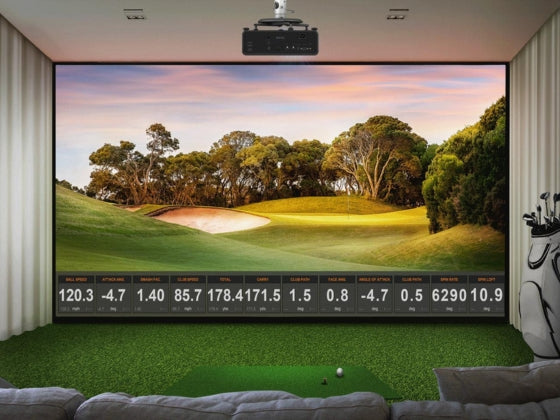
Choosing the Best Projector for Golf Simulator Use
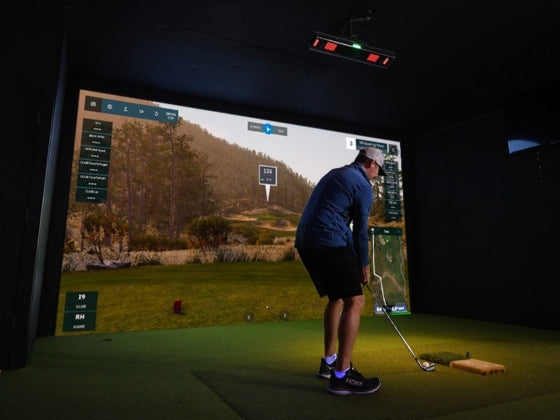
The right golf simulator projector transforms your indoor golf experience with vivid course visuals, accurate ball tracking, and immersive gameplay. Unlike standard home theater projectors, golf simulator projectors require specific features — short throw distances to fit typical enclosure depths, high brightness for daylight-visible images, and fast response times for launch monitor compatibility.
Our collection features projectors from BenQ, Optoma, and LG specifically suited for golf simulation, ranging from budget-conscious 1080p models to professional 4K laser systems. Each golf simulator projector is selected for its throw ratio, brightness output, and proven performance in simulator environments.
Golf Simulator Short Throw Projectors
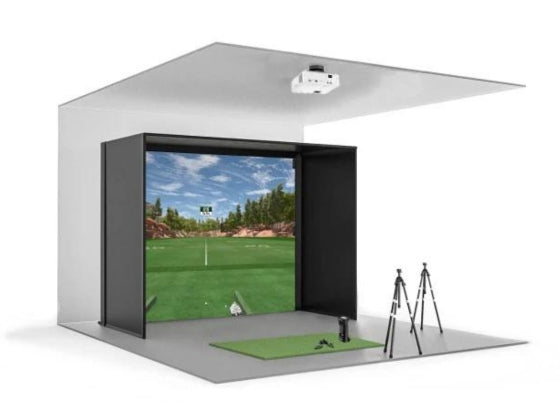
Golf simulator short throw projectors are essential for most home setups where ceiling height and enclosure depth limit projector placement. Short throw models project large images from distances as close as 4-6 feet, while ultra-short throw options work from 2-3 feet — critical for ceiling-mounted installations in standard 10-foot enclosures.
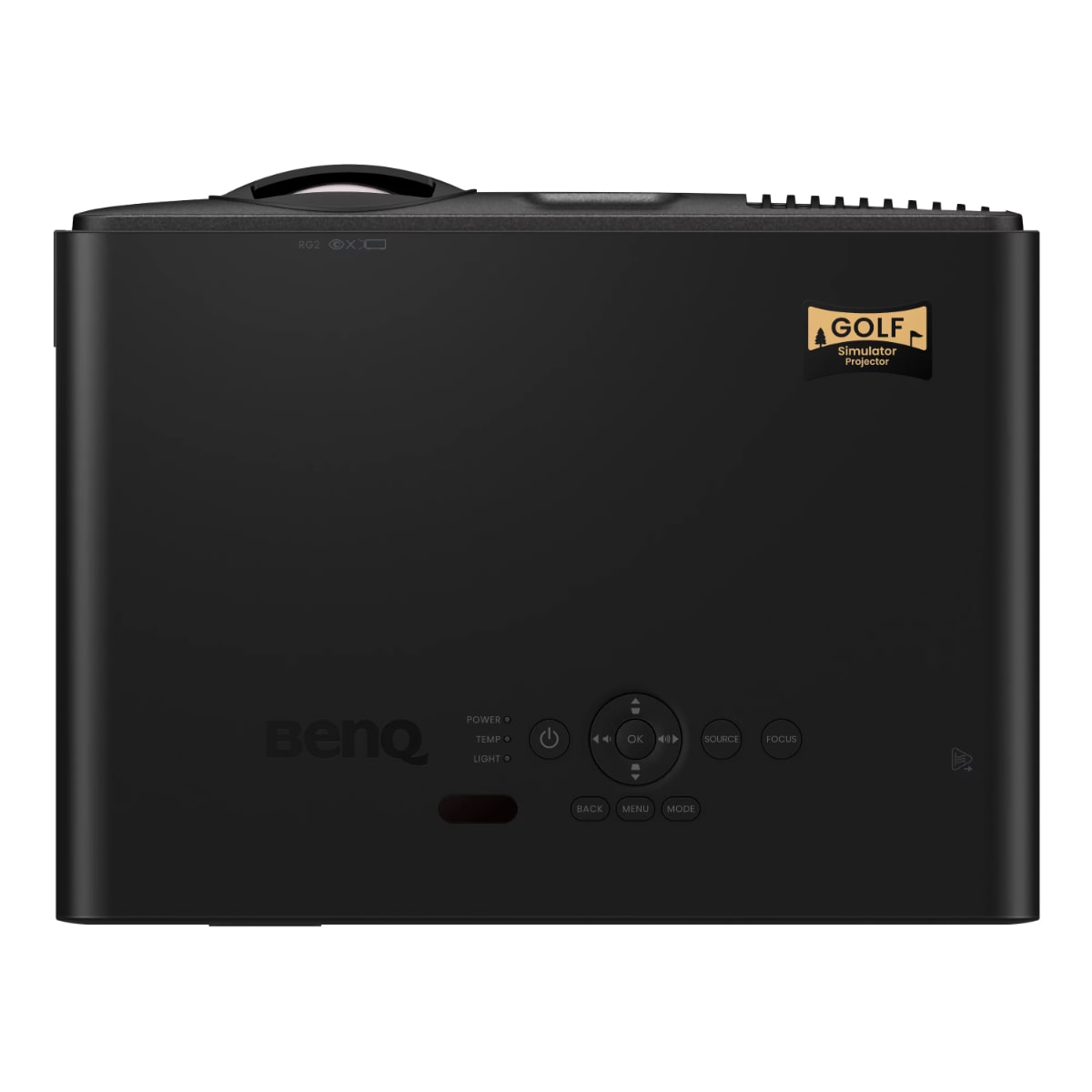
The BenQ TK700ST and LX708ST deliver 4K resolution with gaming-optimized response times under 16ms, ensuring launch monitor data syncs perfectly with on-screen action. These golf simulator projectors feature lens shift and keystone correction for flexible mounting positions.
Optoma ZH400UST and ZH450ST ultra-short throw models mount directly above the impact screen, eliminating shadows and allowing players to stand closer without blocking the image. These laser projectors deliver 4,000+ lumens brightness for daylight-visible images.
4K Golf Simulator Projectors
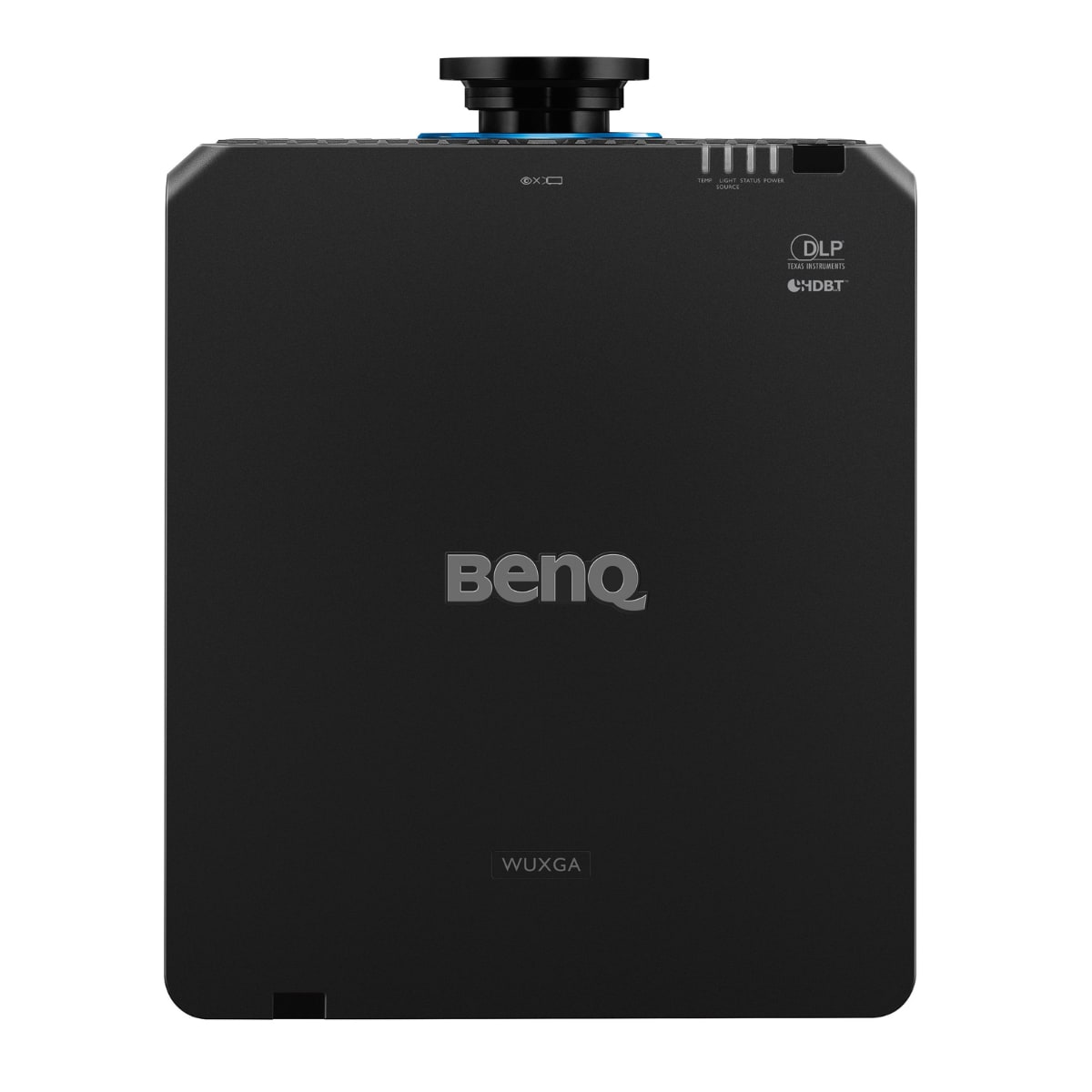
Premium 4K golf simulator projectors deliver stunning course detail and realistic grass textures that enhance immersion. Models like the BenQ LU9800 and Optoma ZK608TST provide true 4K resolution (3840x2160) with HDR support for dramatic sky rendering and accurate color reproduction.
These best projectors for golf simulators feature laser light sources lasting 20,000+ hours maintenance-free, eliminating lamp replacement costs. High brightness ratings (5,000-10,000 lumens) ensure vibrant images even in rooms with ambient light from windows or ceiling fixtures.
The BenQ LK936ST combines 4K clarity with short throw optics and 5,500 lumens output — ideal for commercial installations or home theaters doubling as simulators.
WUXGA Golf Simulator Projectors
WUXGA projectors (1920x1200 resolution) represent the sweet spot for many golf simulator setups, offering noticeably sharper images than 1080p while remaining more affordable than 4K models. The extra vertical pixels (1200 vs 1080) provide additional screen real estate that enhances course detail and user interface clarity.
Models like the BenQ LU9800, Optoma ZU607TST, and LG ProBeam deliver WUXGA resolution with laser light sources and professional-grade brightness (6,000+ lumens). These golf simulator projectors are particularly popular in commercial installations and high-end home setups where image quality matters but 4K budgets aren't justified.
WUXGA projectors also reduce computing requirements compared to 4K — your PC doesn't need as powerful a graphics card to maintain smooth frame rates, making them excellent choices for systems running demanding simulation software with multiple camera angles and detailed course environments.
1080p Golf Simulator Projectors
Budget-friendly 1080p golf simulator projectors deliver excellent performance for players prioritizing playability over maximum resolution. Models like the BenQ TH685P and X600 provide gaming-optimized response times, good brightness (3,500+ lumens), and short throw capabilities at accessible price points.
These projectors work seamlessly with popular simulation software including E6 CONNECT, TGC 2019, and GSPro, delivering smooth 60Hz refresh rates for fluid swing animations and ball flight visualization. LED and laser-hybrid light sources reduce operating costs compared to traditional lamp-based projectors.
Key Features for Golf Simulator Projectors
Throw Ratio: Short throw (0.8-1.2:1) suits most simulators. Calculate required distance: screen width ÷ throw ratio = minimum distance. A 10-foot screen with 1.0 throw ratio needs 10 feet mounting distance.
Brightness (Lumens): 3,000+ lumens for dark rooms, 4,000+ for ambient light, 5,000+ for rooms with windows. Higher brightness prevents washed-out images during daytime play.
Resolution: 1080p provides good detail for budget-conscious players. WUXGA delivers enhanced clarity and future-proofs your setup. 4K offers premium course visualization for the ultimate experience.
Input Lag: Under 33ms (1 frame at 60Hz) ensures launch monitor data displays without noticeable delay. Gaming-optimized projectors achieve 8-16ms response times.
Light Source: LED lasts 20,000-30,000 hours. Laser extends to 20,000-50,000 hours. Traditional lamps require replacement every 3,000-5,000 hours at $150-400 per lamp.
Lens Shift: Vertical and horizontal lens shift allows flexible mounting without image distortion — valuable for ceiling installations with structural constraints.
Installation Considerations
Most golf simulator projectors mount on the ceiling 8-12 feet from the impact screen, depending on throw ratio and desired image size. Short throw models offer more mounting flexibility in enclosures with limited depth.
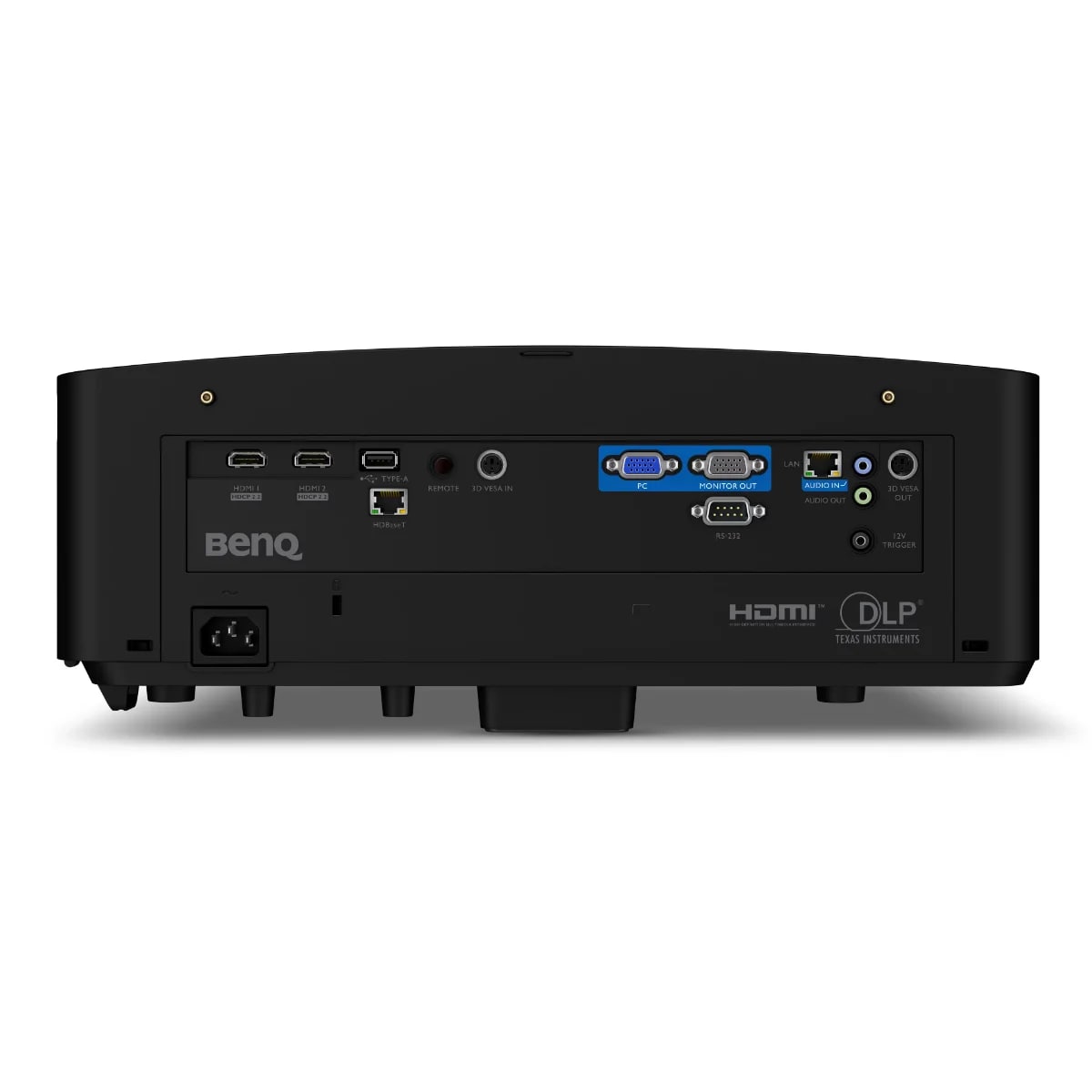
Consider cable management — HDMI runs longer than 25 feet may require active cables or fiber optic solutions to prevent signal degradation. Many simulators benefit from ceiling-mounted HDMI junction boxes for clean installations.
Projector positioning affects player shadows on screen. Mounting directly above or slightly behind the player minimizes shadows, while side-mounted projectors may create distracting shadows during the swing.
Projector Pairing with Launch Monitors
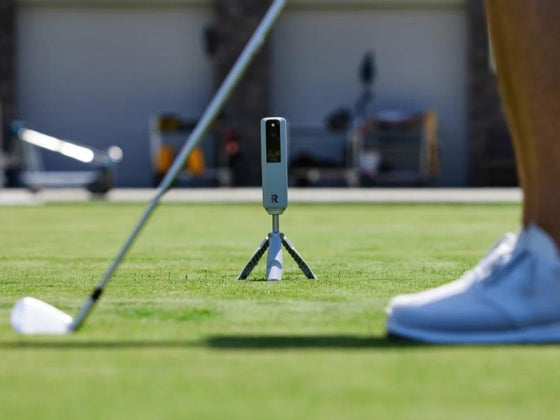
Camera-based launch monitors like Uneekor and GolfJoy require consistent lighting for accurate ball tracking. These systems work best with projectors offering stable brightness output and minimal light flicker. Avoid eco-mode settings that dim images during dark scenes.
Radar-based systems like Garmin Approach R50 and Full Swing have no lighting requirements, offering more flexibility in projector selection and brightness settings.
Maintenance and Longevity
Laser and LED golf simulator projectors require minimal maintenance. Dust filters should be cleaned monthly, but no lamp replacements are needed. Traditional lamp-based projectors need replacement every 1-2 years under typical simulator use (3-5 hours daily).
Proper ventilation extends projector life. Ensure ceiling-mounted units have adequate clearance (6+ inches) around ventilation ports. Operating projectors in temperatures above 95°F significantly reduces component longevity.
Shop more: Golf Mats, Launch Monitors, Impact Screens, Enclosures, Nets, Computers